Saree Face Swap Two-Photo Prompt
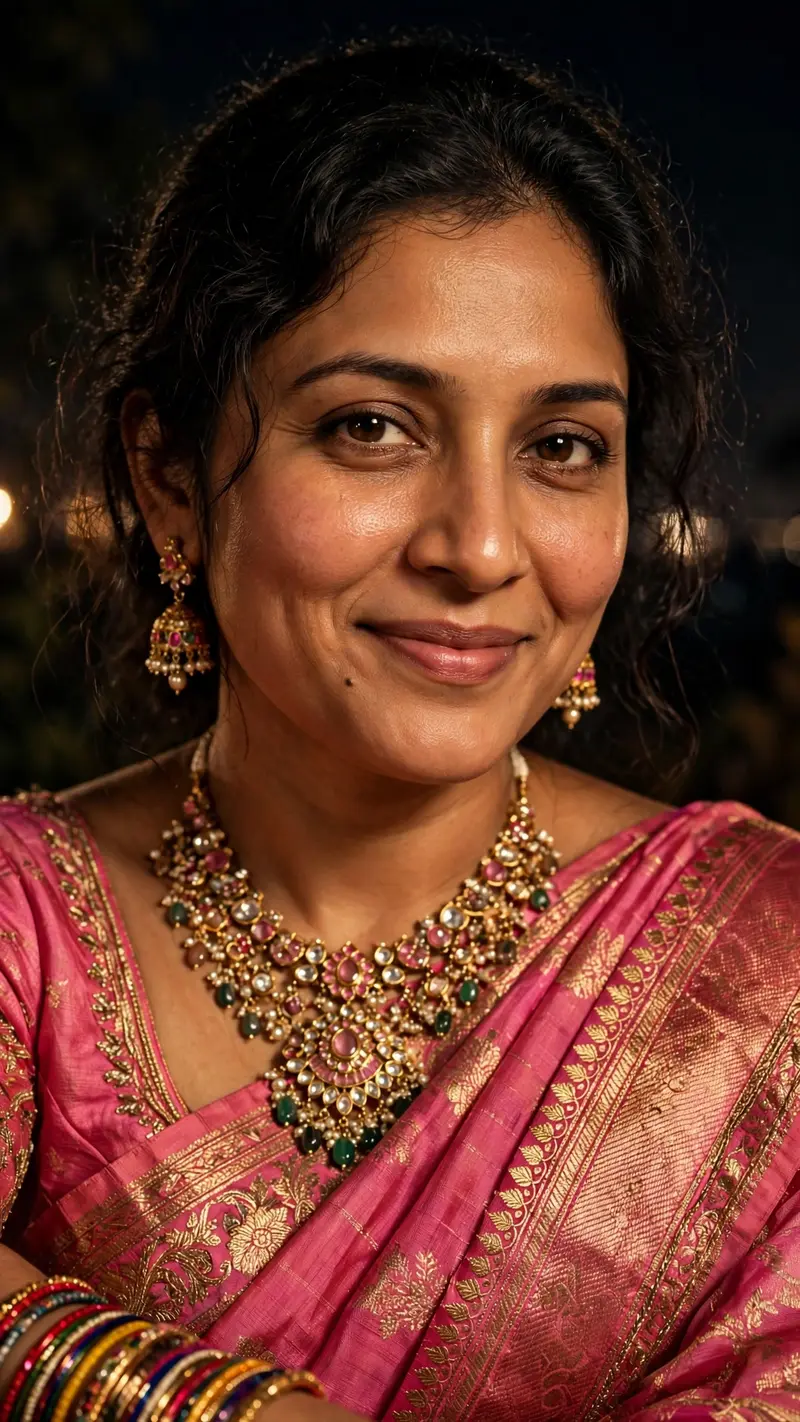
Best Saree Face Swap Two-Photo Prompt AI Prompt
Copy the ready-made prompt below and paste it into ChatGPT, Gemini, or your favorite AI image generator to create a stunning streetwear fashion style image in seconds. No sign-up needed — just copy, paste, and generate.
⋈ AI PROMPT
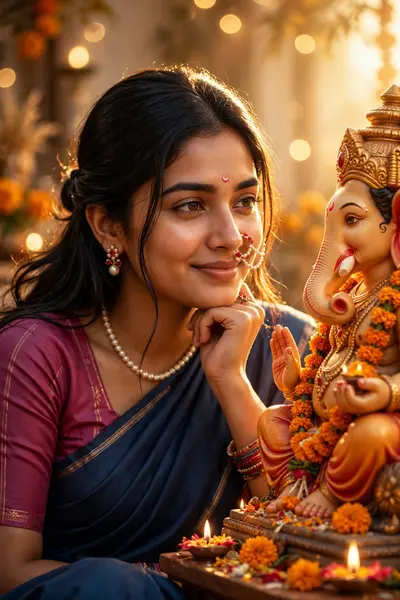
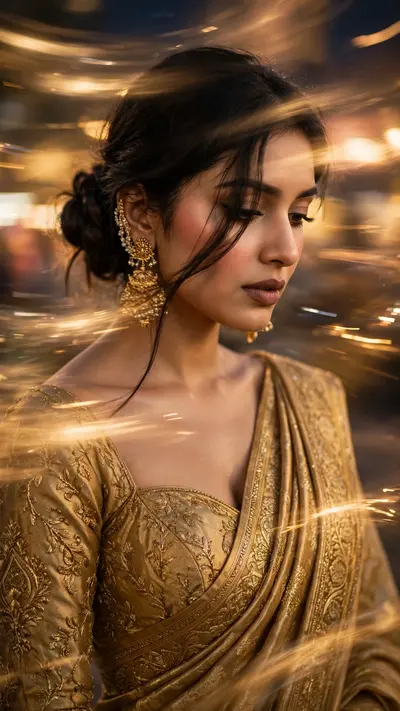
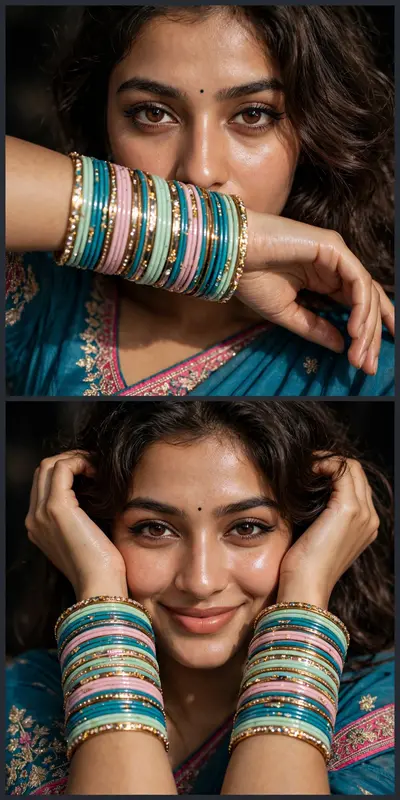
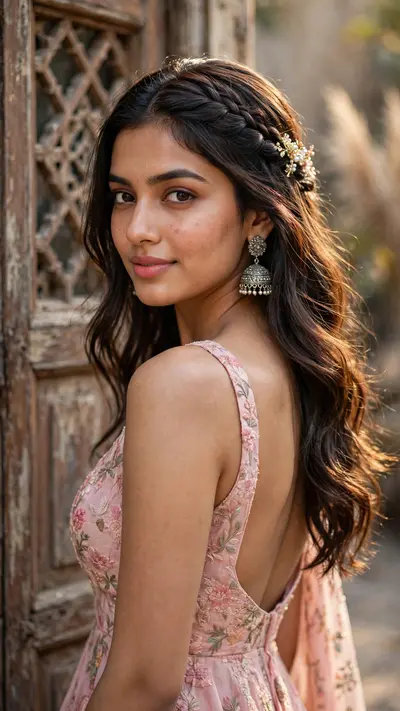
Create a highly realistic photo based on the FIRST uploaded image as the exact reference for the composition, pose, saree, jewelry, lighting, camera angle, framing, background, and overall visual style. Use the SECOND uploaded image only as the face/identity reference. Replace the face of the woman in the first reference image with the face from the second reference image while preserving the second person's natural facial identity and recognizable features. STRICT IDENTITY PRESERVATION: Preserve the exact facial identity from the second image, including natural face shape, eyes, eyebrows, nose, lips, jawline, skin tone, and other distinctive facial characteristics. Do not beautify, redesign, or significantly alter the face. Do not make the face look like a different person. MATCH THE FIRST IMAGE: Recreate the same overall photograph as the first reference: - Same pink saree with intricate gold embroidery and decorative border - Same saree draping style - Same blouse design and color - Same elegant jewelry, including the statement necklace and earrings - Same colorful bangles - Same hairstyle and similar loose hair framing the face - Same seated/posed position - Same arm placement - Same head angle and downward gaze - Same gentle natural smile - Same close-up portrait framing - Same dark, almost black nighttime background - Same warm flash/soft lighting - Same photographic mood and atmosphere - Same camera perspective and depth of field The final image should look like the SECOND person's face naturally belongs in the FIRST person's photograph. Keep the pose, clothing, jewelry, body proportions, composition, lighting, and background faithful to the first reference image. Make the result photorealistic and natural, with realistic skin texture, natural facial details, realistic hair strands, accurate fabric texture, and authentic jewelry reflections. Do not add text, watermark, extra people, extra accessories, or unnecessary objects. IMPORTANT: The FIRST image controls the scene, pose, clothing, styling, composition, lighting, and photography. The SECOND image controls the person's facial identity only. Final result: an ultra-realistic recreation of the first reference photograph featuring the exact facial identity from the second reference image.
How to Use This Prompt with ChatGPT & Gemini
Click the Copy button above, then open ChatGPT (with image generation) or Gemini. Paste the prompt, hit generate, and wait a few seconds. You can tweak any detail — colors, lighting, mood — to make it your own.
How to Keep Your Face Unchanged
Want your own face in this style? First generate the base image with the prompt above, then use a face-swap tool like InsightFace or the Remini app to place your face onto the result.