Teal Saree Bangles Collage
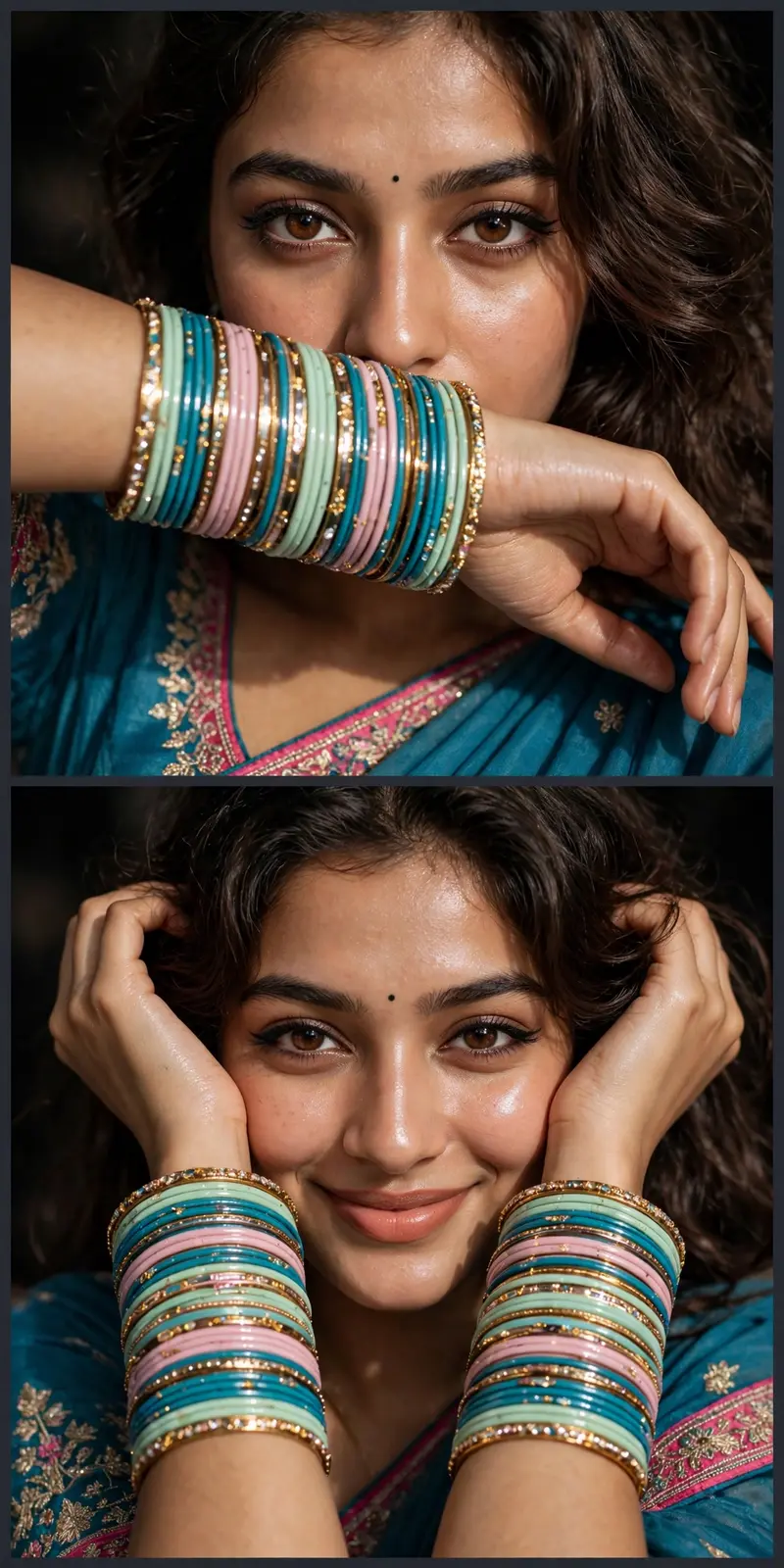
Best Teal Saree Bangles Collage AI Prompt
Copy the ready-made prompt below and paste it into ChatGPT, Gemini, or your favorite AI image generator to create a stunning streetwear fashion style image in seconds. No sign-up needed — just copy, paste, and generate.
✦ AI PROMPT
Ultra-realistic close-up beauty portrait of a young South Asian woman wearing a teal blue embroidered saree with pink borders, dozens of turquoise, mint green, pastel pink and gold glass bangles stacked on both wrists, tiny black bindi, soft wavy dark-brown hair, warm brown eyes with subtle winged eyeliner, glowing dewy skin, natural peach lips. She poses with her forearms framing her face, looking directly into the camera with a soft confident expression. Shot with direct smartphone flash, high contrast, sharp eyes, detailed jewelry reflections, rich skin texture, shallow depth of field, dark indoor background, luxury ethnic fashion editorial, Instagram aesthetic, ultra detailed, photorealistic, 85mm lens, f/1.8, HDR, 8K quality. For the Two-Photo Collage Layout Create a vertical Instagram-style collage containing two close-up portraits of the same woman. Top image: one arm partially covering the lower face while eyes remain visible. Bottom image: both arms framing the face with a slight smile. Teal-blue traditional outfit, pastel pink and turquoise bangles, direct flash photography, dark background, photorealistic skin, luxury ethnic fashion shoot, symmetrical composition, social-media beauty aesthetic, ultra realistic, high detail, 8K. Camera Settings Style Prompt Shot on iPhone portrait mode, direct flash ON, 85mm equivalent, f/1.8, ISO 200, warm skin tones, crisp eye focus, glossy highlights on bangles, soft shadows, cinematic beauty photography, Instagram influencer aesthetic. Negative Prompt blurry, low resolution, extra fingers, distorted hands, asymmetrical eyes, overexposed skin, cartoon, painting, CGI, watermark, text, logo, duplicate jewelry, bad anatomy, unnatural skin smoothing, noisy image, motion blur. The key element that makes this photo look like this is direct flash + face framed by colorful bangles + tight crop around the eyes and face.
How to Use This Prompt with ChatGPT & Gemini
Click the Copy button above, then open ChatGPT (with image generation) or Gemini. Paste the prompt, hit generate, and wait a few seconds. You can tweak any detail — colors, lighting, mood — to make it your own.
How to Keep Your Face Unchanged
Want your own face in this style? First generate the base image with the prompt above, then use a face-swap tool like InsightFace or the Remini app to place your face onto the result.