Red Saree Cartoon Transformation
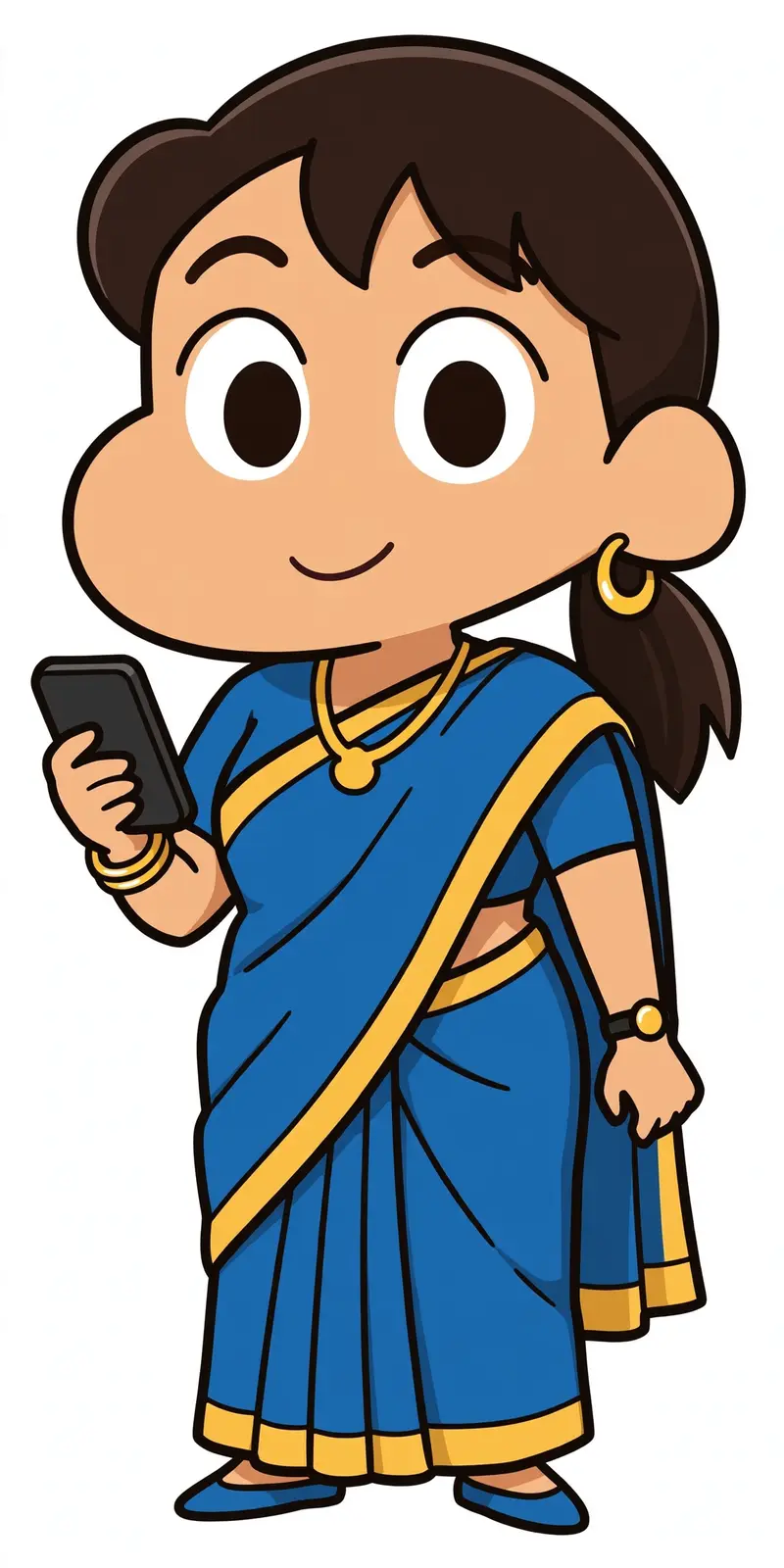
Best Red Saree Cartoon Transformation AI Prompt
Copy the ready-made prompt below and paste it into ChatGPT, Gemini, or your favorite AI image generator to create a stunning anime style image in seconds. No sign-up needed — just copy, paste, and generate.
⋈ AI PROMPT
Transform the uploaded person into a Crayon Shin-chan-inspired 2D cartoon character, matching the supplied reference images. Preserve the person’s hairstyle, hair color, skin tone, clothing, outfit colors, accessories, pose, expression, and overall recognizable appearance. Simplify realistic details into bold clean cartoon shapes with large oval eyes, simple dark pupils, expressive eyebrows, rounded features, thick black outlines, flat cel colors, minimal soft shading, and playful proportions. Keep the original outfit exactly recognizable, including saree, suit, jewelry, watch, phone, or other visible details. For multiple people, transform each person individually while preserving their position and appearance. Full-body composition, complete character visible, centered, transparent background, polished high-quality 2D illustration. No photorealism, no 3D, no Pixar/Disney style, no manga sketching, no excessive shading, no outfit changes, no extra characters, no text, no watermark.
How to Use This Prompt with ChatGPT & Gemini
Click the Copy button above, then open ChatGPT (with image generation) or Gemini. Paste the prompt, hit generate, and wait a few seconds. You can tweak any detail — colors, lighting, mood — to make it your own.
How to Keep Your Face Unchanged
Want your own face in this style? First generate the base image with the prompt above, then use a face-swap tool like InsightFace or the Remini app to place your face onto the result.