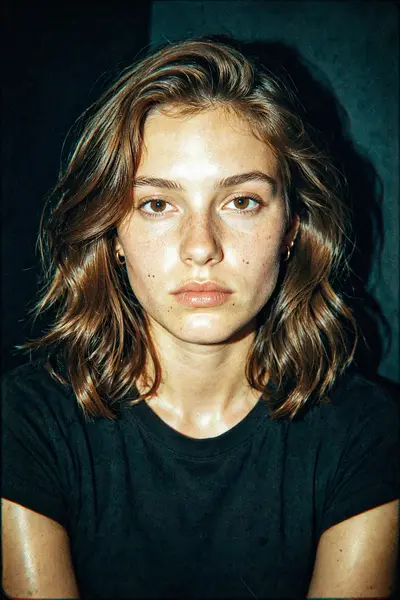
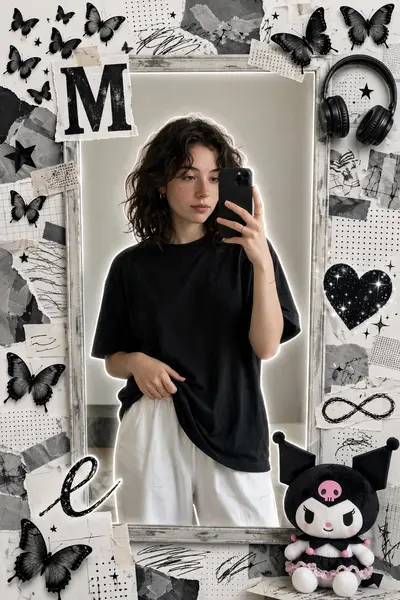
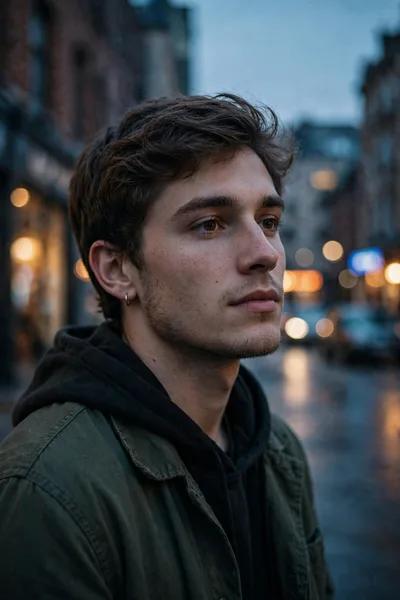
Aesthetic Pixel Stretch Art Prompt
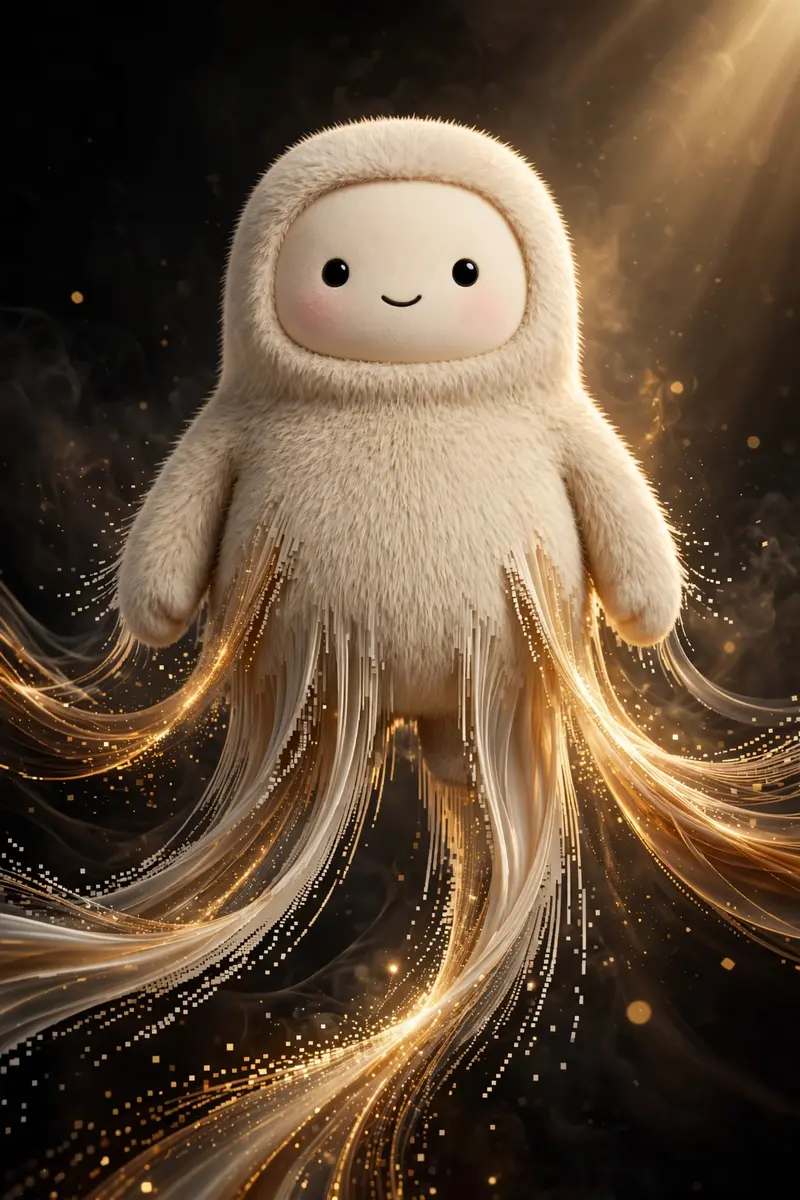
Best Aesthetic Pixel Stretch Art Prompt AI Prompt
Copy the ready-made prompt below and paste it into ChatGPT, Gemini, or your favorite AI image generator to create a stunning pixel art style image in seconds. No sign-up needed — just copy, paste, and generate.
⋈ AI PROMPT
Ultra-cinematic pixel stretch artwork while keeping the main subject 100% sharp, highly detailed, and instantly recognizable. Preserve every facial feature, texture, expression, clothing detail, and lighting with perfect realism. Extract colors, textures, and fine details from the subject, transforming them into long, elegant pixel-stretch ribbons that flow naturally with graceful curves and dynamic motion, as if the subject is dissolving into streams of light, silk, paint, or pure energy. Create flawless, seamless transitions between the original subject and the stretched pixels with no glitches, harsh edges, or distortion. Use dramatic cinematic lighting with golden-hour rim light, volumetric light rays, soft atmospheric haze, realistic depth of field, subtle motion blur, HDR color grading, deep shadows, vibrant highlights, and premium filmic contrast. Add luxurious color harmony with rich blacks, glowing accents, and breathtaking visual depth. Compose the artwork using modern minimalist aesthetics with abundant negative space for maximum visual impact. Inspired by high-end Adobe Photoshop pixel-stretch techniques, luxury digital art, Hollywood movie posters, and premium gallery exhibitions. Hyper-realistic textures, ultra-sharp focus, 8K resolution, masterpiece quality, award-winning digital artwork, visually stunning, social-media-ready, cinematic, elegant, futuristic, and unforgettable.
How to Use This Prompt with ChatGPT & Gemini
Click the Copy button above, then open ChatGPT (with image generation) or Gemini. Paste the prompt, hit generate, and wait a few seconds. You can tweak any detail — colors, lighting, mood — to make it your own.
How to Keep Your Face Unchanged
Want your own face in this style? First generate the base image with the prompt above, then use a face-swap tool like InsightFace or the Remini app to place your face onto the result.