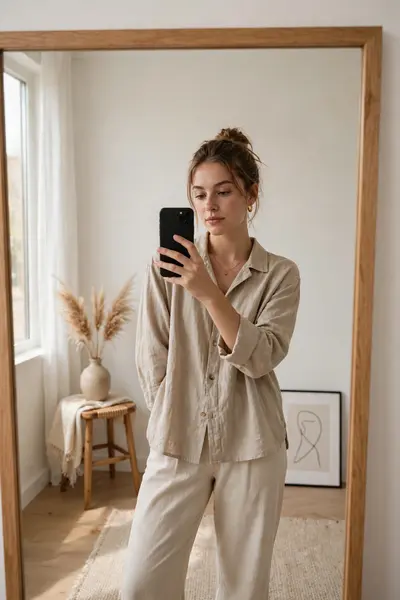
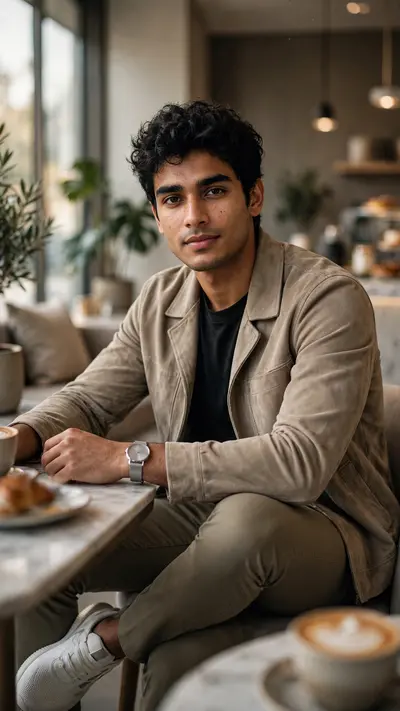
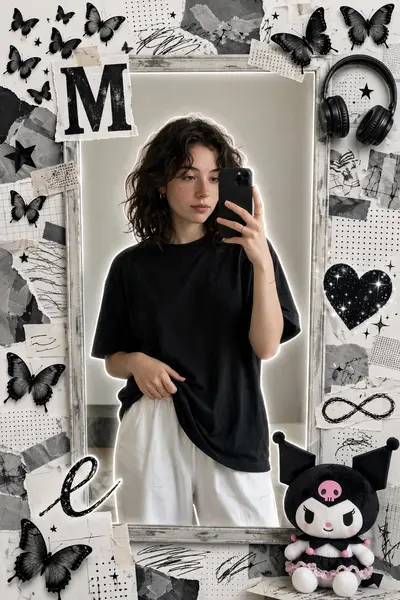
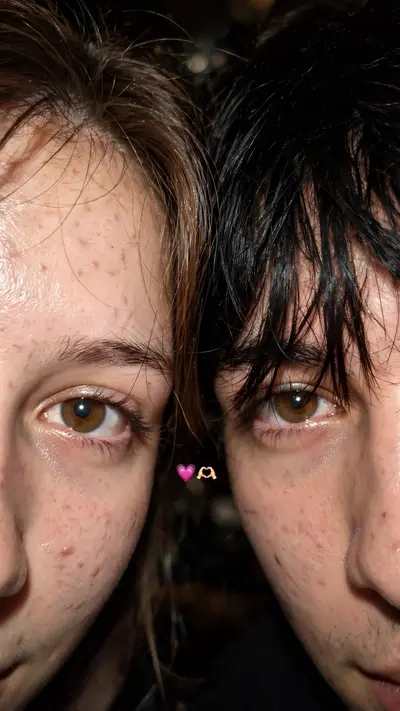
Aesthetic Flash Photography Style Prompt
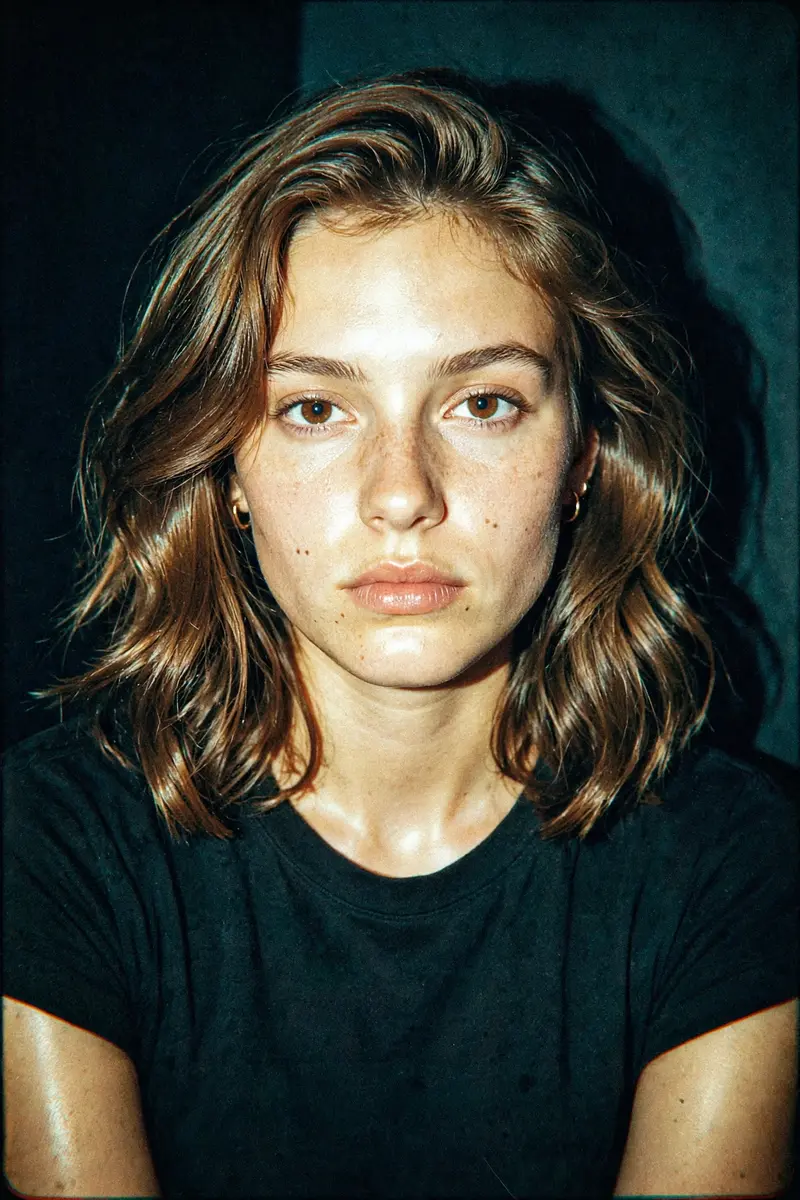
Best Aesthetic Flash Photography Style Prompt AI Prompt
Copy the ready-made prompt below and paste it into ChatGPT, Gemini, or your favorite AI image generator to create a stunning photoreal portraits style image in seconds. No sign-up needed — just copy, paste, and generate.
⋈ AI PROMPT
Apply a high-contrast, direct flash photography style with a harsh on-camera flash effect. The lighting should be frontal and intense, creating bright highlights on skin and reflective surfaces, with deep, sharp shadows falling behind the subject. Introduce slight overexposure on highlights while maintaining crisp subject clarity.Color grade the image with a cool, teal-tinted tone in shadows and midtones, while keeping skin tones slightly warm but desaturated. Reduce overall saturation slightly, but boost contrast heavily to create a punchy, editorial look. Add subtle cyan/green shifts in darker areas and neutral whites with a slight bluish cast.Introduce heavy film grain across the entire image—fine but dense, with a gritty texture reminiscent of high ISO analog film. Include mild noise in shadows and midtones for a raw, imperfect feel. Add slight chromatic aberration on edges and a very subtle vignette to enhance focus on the subject.Simulate a glossy, 90s fashion editorial finish: sharp details, slightly crushed blacks, lifted highlights, and a clean yet raw aesthetic. Maintain a digital + analog hybrid look with a polished but edgy vibe.”Colour grading: golden-tinted tone in shadows and midtones, while keeping skin tones, high-contrast, direct flash photography style with a glossy finish. Apply a heavy film grain and a cool, slightly desaturated color grade with a cross-processed look.Most important: don’t change my face and body angles keep it 100% fix
How to Use This Prompt with ChatGPT & Gemini
Click the Copy button above, then open ChatGPT (with image generation) or Gemini. Paste the prompt, hit generate, and wait a few seconds. You can tweak any detail — colors, lighting, mood — to make it your own.
How to Keep Your Face Unchanged
Want your own face in this style? First generate the base image with the prompt above, then use a face-swap tool like InsightFace or the Remini app to place your face onto the result.