Dreamy Look Wallpaper
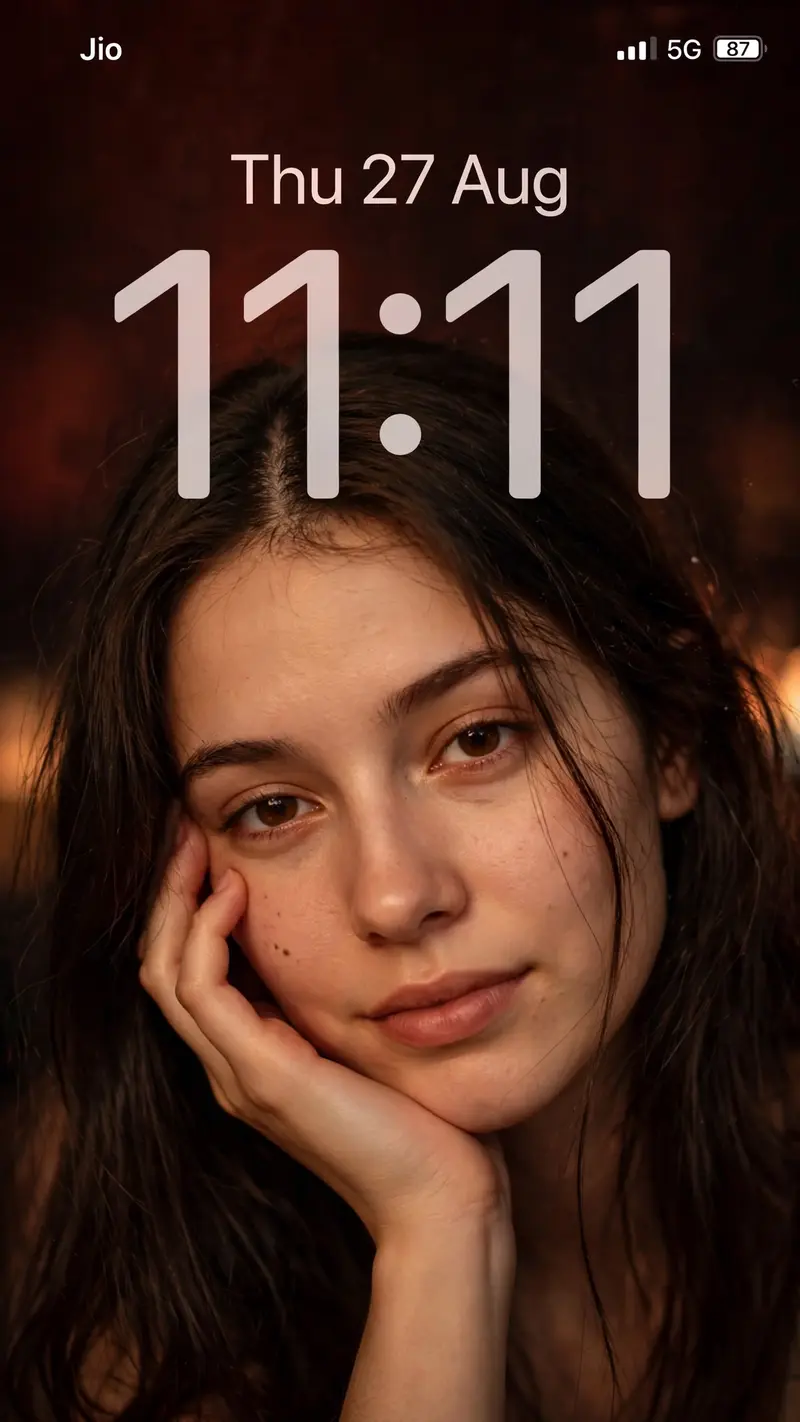
Best Dreamy Look Wallpaper AI Prompt
Copy the ready-made prompt below and paste it into ChatGPT, Gemini, or your favorite AI image generator to create a stunning phone wallpapers style image in seconds. No sign-up needed — just copy, paste, and generate.
⋈ AI PROMPT
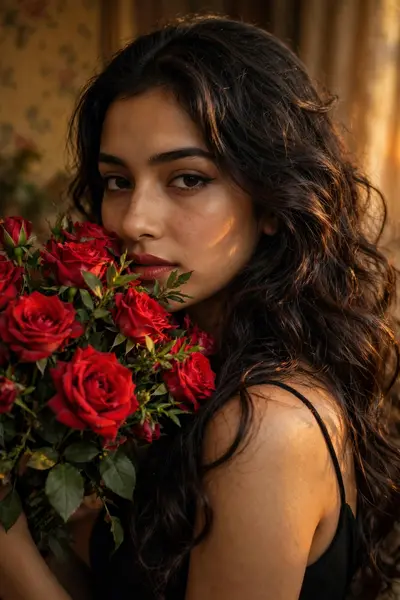
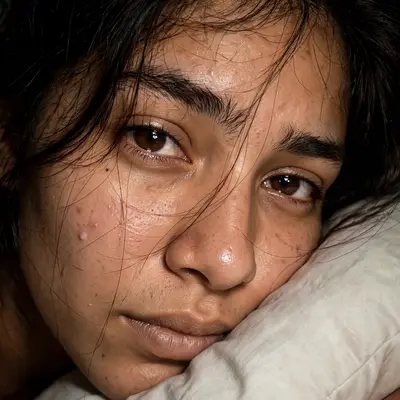
Create an ultra-realistic vertical 9:16 iPhone lock-screen wallpaper using the uploaded reference image. Preserve the person’s exact facial features, face shape, skin tone, eyes, lips, hairstyle, hair color, expression, pose, hand position, body proportions, and overall appearance with strict identity preservation. Keep the same close-up composition of the young woman resting her cheek on her hand and looking directly at the camera. Keep her long dark-brown center-parted hair, naturally falling loose strands, realistic skin texture, and warm late-night camera-flash appearance. Use the same warm golden-orange lighting, soft glow, subtle blur, dark reddish-brown background, natural shadows, and dreamy low-light smartphone photography aesthetic. Add the iPhone lock-screen interface exactly like the reference. Top-left: “Jio” in clean white iOS-style font. Top-right: white cellular signal bars, “5G”, and a battery icon showing “87”. Date: “Thu 27 Aug” — centered horizontally near the top, medium-large clean thin iOS-style font, bright soft white, slightly glowing, moderate opacity. Match the reference exactly in font weight, width, letter spacing, brightness, glow, size, and placement. Time: “11:11” — extremely large, tall, thin iOS-style numerals, centered horizontally. Match the reference exactly in overall width, height, spacing, opacity, glow, and position. Use very wide spacing between the digits, soft translucent white/light-gray intensity, subtle glow, and slightly blurred edges. The two colons must be perfectly round, large, softly glowing, and vertically centered between the digits. Do not make the time bold, narrow, solid white, or overly sharp. The date and time must visually match the uploaded lock-screen reference as closely as possible. Preserve the exact portrait while reproducing the lock-screen typography, proportions, spacing, alignment, opacity, glow, and positioning. No extra text, no watermark, no additional objects, no borders, no changes to the person’s appearance.
How to Use This Prompt with ChatGPT & Gemini
Click the Copy button above, then open ChatGPT (with image generation) or Gemini. Paste the prompt, hit generate, and wait a few seconds. You can tweak any detail — colors, lighting, mood — to make it your own.
How to Keep Your Face Unchanged
Want your own face in this style? First generate the base image with the prompt above, then use a face-swap tool like InsightFace or the Remini app to place your face onto the result.