Beautiful Collage
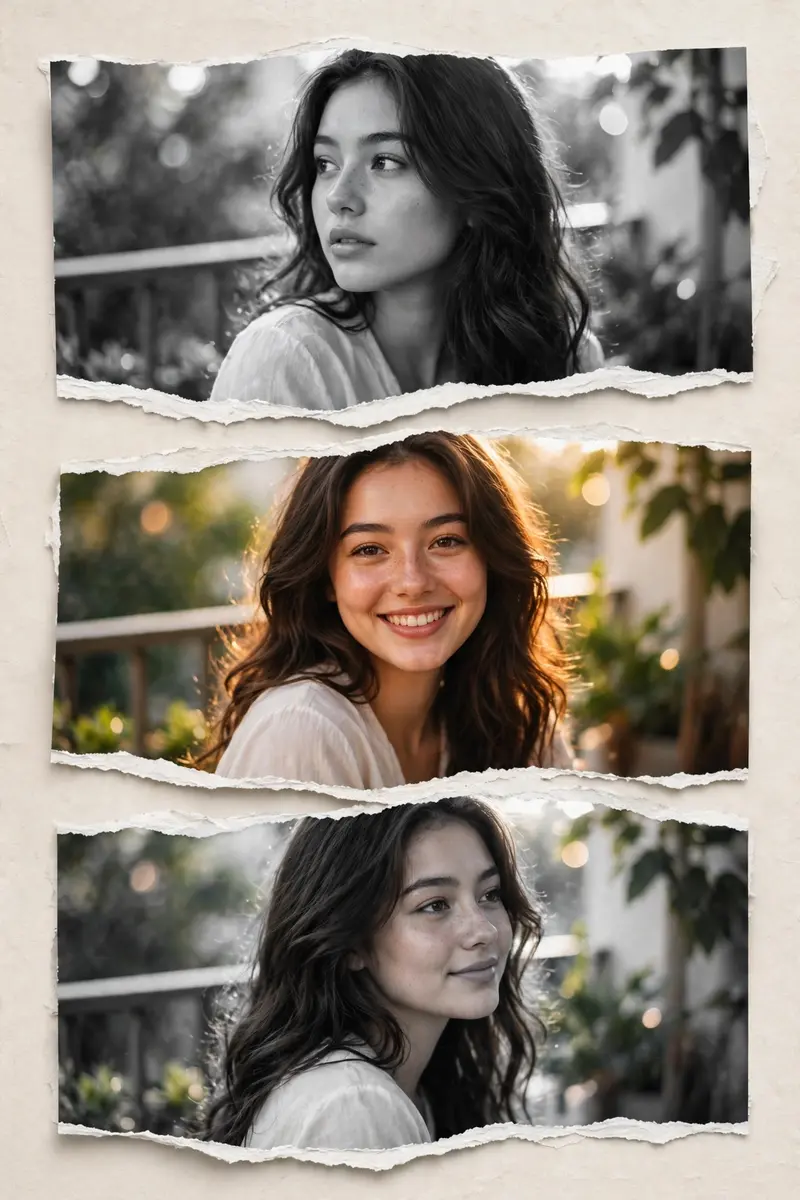
Best Beautiful Collage AI Prompt
Copy the ready-made prompt below and paste it into ChatGPT, Gemini, or your favorite AI image generator to create a stunning photoreal portraits style image in seconds. No sign-up needed — just copy, paste, and generate.
✦ AI PROMPT
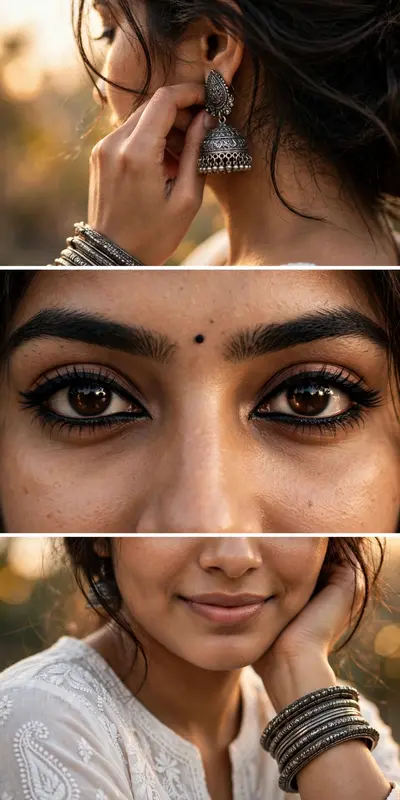
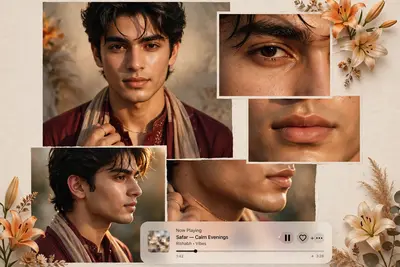
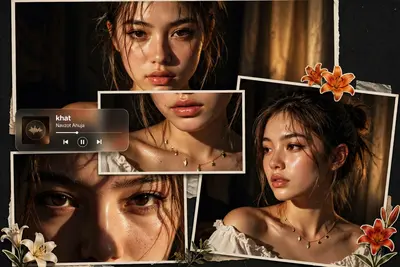
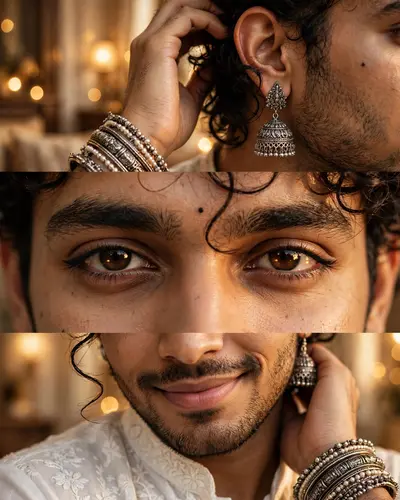
Create a stylish collage portrait using the uploaded photo. Split the image into 3 horizontal torn-paper sections stacked vertically. The middle section should be in full color, showing a smiling pose with natural sunlight on the face. The top and bottom sections should be in black & white, with slightly different angles or expressions from the same photo. Add a realistic torn paper effect between the sections. Keep the background soft and slightly blurred outdoor balcony/greenery vibe). Enhance lighting to give a warm, glowing, aesthetic Instagram look. Maintain natural skin tone and sharp facial details. Add subtle shadows and depth for a premium edit feel. Style: modern aesthetic, soft, feminine, Instagram reel/post style, high quality, DSLR look
How to Use This Prompt with ChatGPT & Gemini
Click the Copy button above, then open ChatGPT (with image generation) or Gemini. Paste the prompt, hit generate, and wait a few seconds. You can tweak any detail — colors, lighting, mood — to make it your own.
How to Keep Your Face Unchanged
Want your own face in this style? First generate the base image with the prompt above, then use a face-swap tool like InsightFace or the Remini app to place your face onto the result.