Babasaheb Ambedkar Jayanti
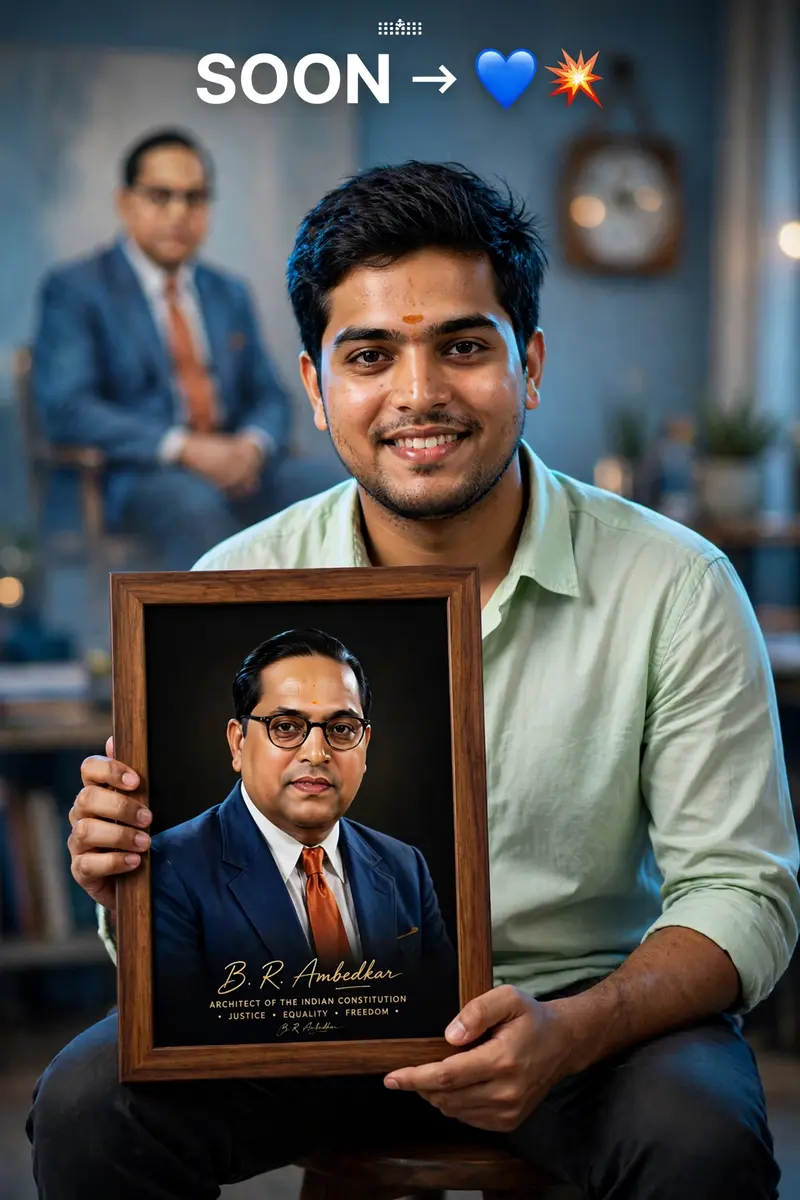
Best Babasaheb Ambedkar Jayanti AI Prompt
Copy the ready-made prompt below and paste it into ChatGPT, Gemini, or your favorite AI image generator to create a stunning photoreal portraits style image in seconds. No sign-up needed — just copy, paste, and generate.
⋈ AI PROMPT
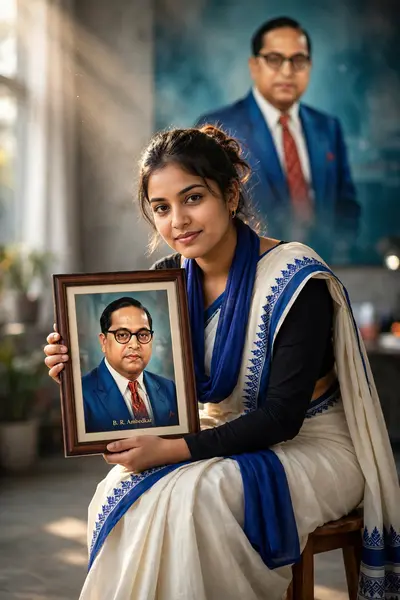
Ultra-realistic DSLR portrait of a young Indian man sitting on a stool, holding a framed portrait of Dr. B. R. Ambedkar in his hands, facing camera with a confident smile.HARD FACE LOCK (CRITICAL): Use the provided reference image and preserve the face 100% identical — same identity, facial structure, skin tone, eyes, eyebrows, nose, lips, jawline, beard pattern, hairstyle, forehead tilak, and natural skin texture. No face modification, no beautification, no smoothing, no symmetry correction.Outfit: light pastel green shirt, casual and clean look.Pose: seated posture, body slightly angled, holding a vertical frame with both hands, relaxed shoulders, direct eye contact with camera, smiling naturally.Framed image: modern stylized portrait of Dr. B. R. Ambedkar (blue coat, orange/red tie, glasses), black background inside frame, visible signature-style text at bottom (“B. R. Ambedkar” with tagline), premium wooden frame.Background: creative composite scene — large blurred/faded image of Dr. B. R. Ambedkar sitting on a chair behind the subject, soft office-like setting with chair and wall clock subtly visible.Extra elements:Top text: “SOON” with arrow → followed by blue heart emoji and explosion emoji (💙💥), minimal and clean.Lighting: studio + soft cinematic blend, front soft light on subject, slight blue highlight/rim light on one side, background softly diffused.Camera: 50mm lens, mid-shot framing, shallow depth of field, ultra-sharp focus, 8K resolution.Color tone: cinematic blue + warm skin tones, high contrast, poster-style grading.Style: hyper-realistic photography mixed with digital poster art, no distortion, no extra fingers, no artifacts.
How to Use This Prompt with ChatGPT & Gemini
Click the Copy button above, then open ChatGPT (with image generation) or Gemini. Paste the prompt, hit generate, and wait a few seconds. You can tweak any detail — colors, lighting, mood — to make it your own.
How to Keep Your Face Unchanged
Want your own face in this style? First generate the base image with the prompt above, then use a face-swap tool like InsightFace or the Remini app to place your face onto the result.