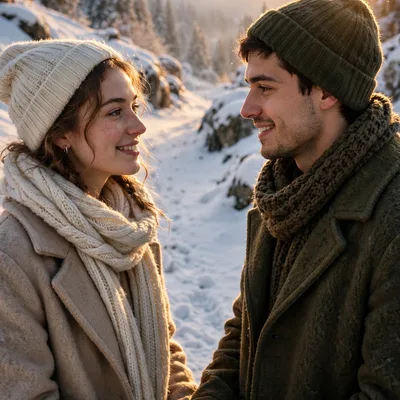
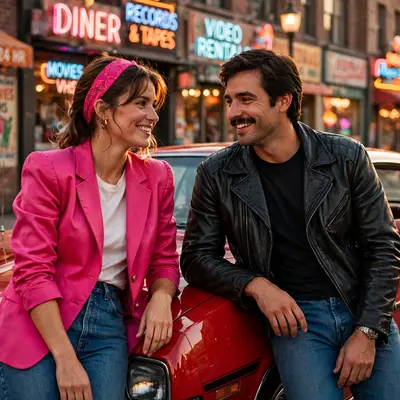
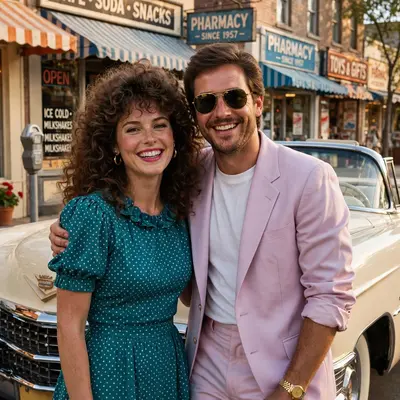
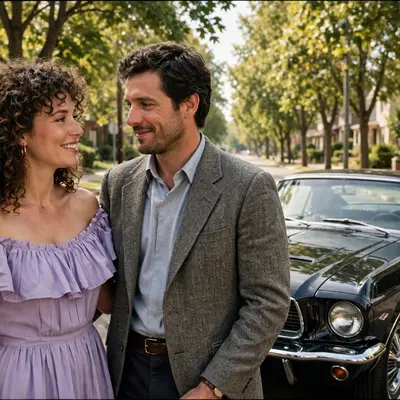
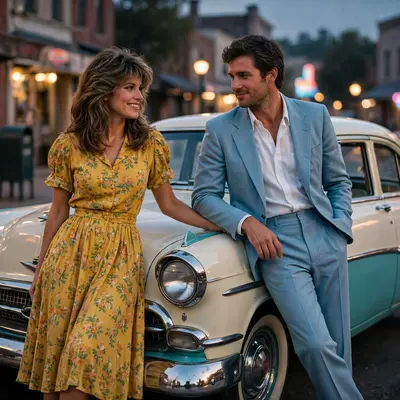
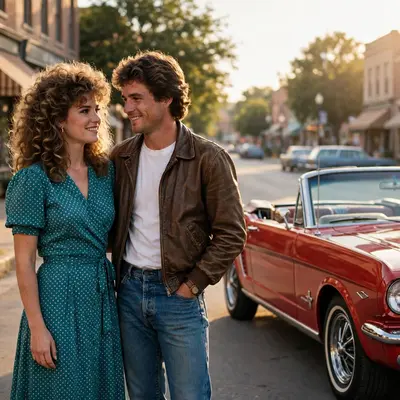
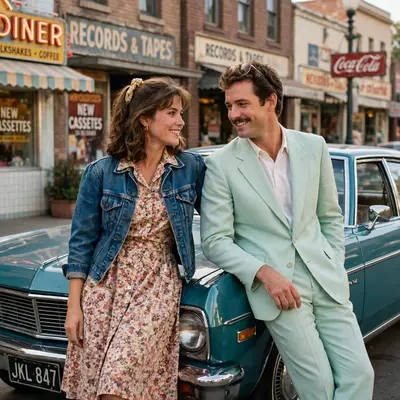
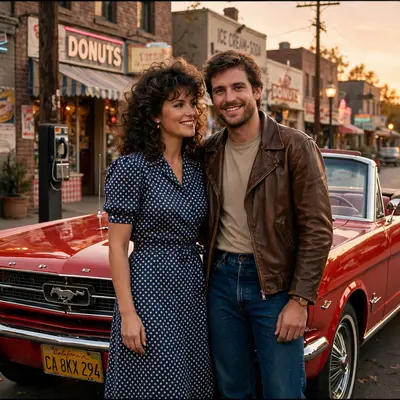
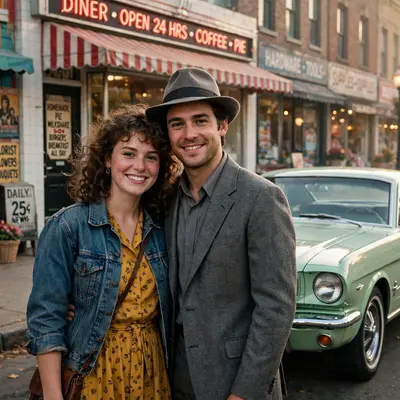
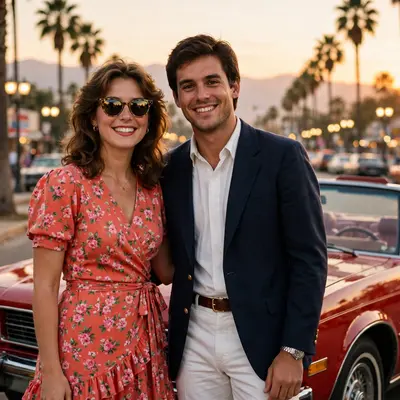
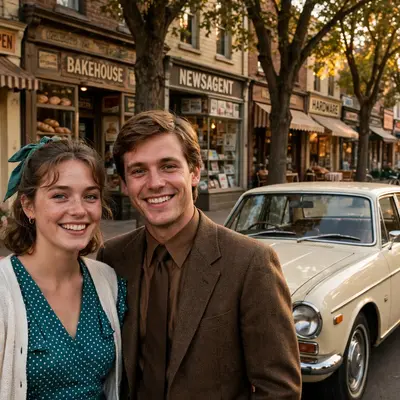
Winter Couple Snowy City Night
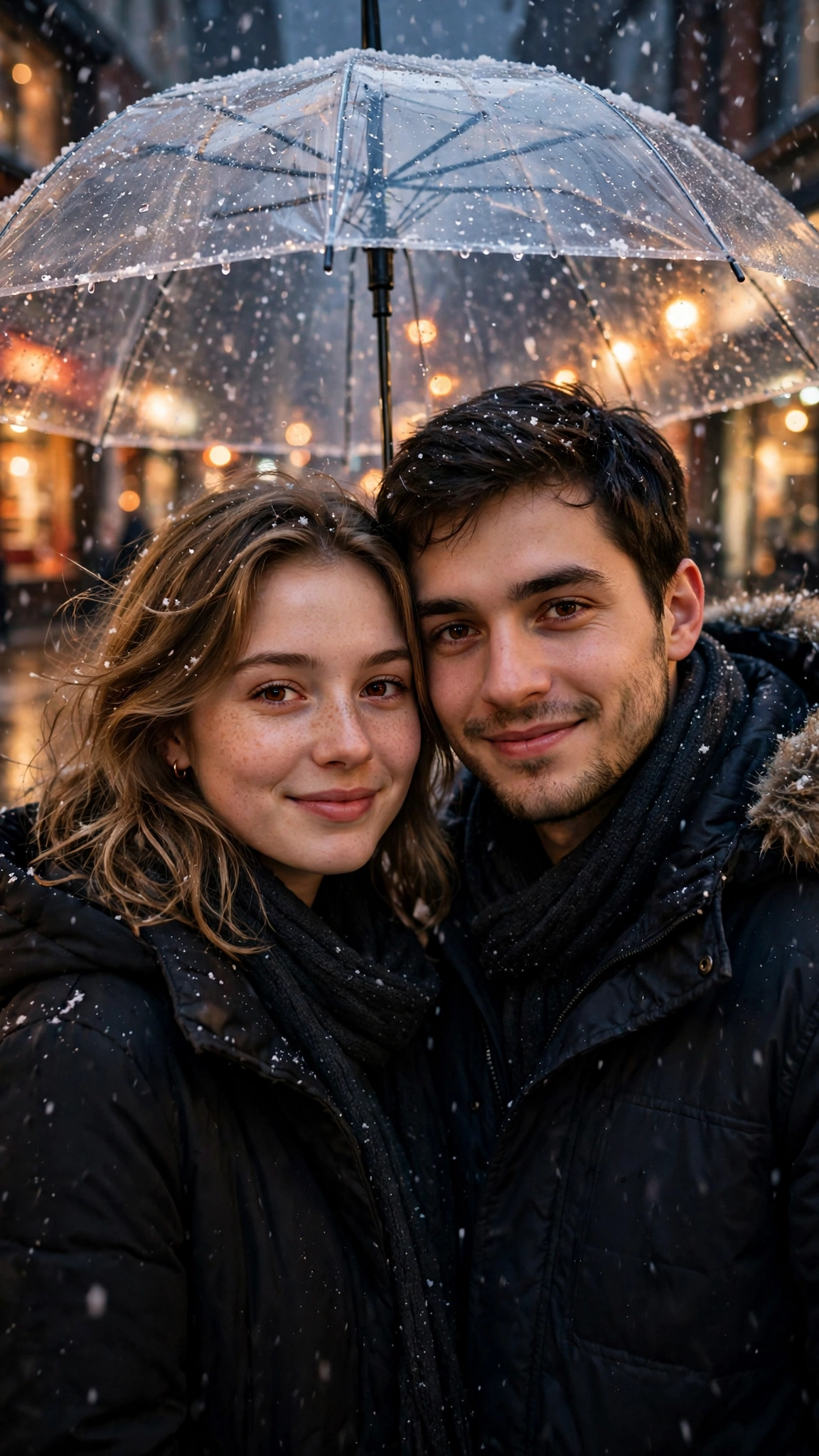
Best Winter Couple Snowy City Night AI Prompt
Copy the ready-made prompt below and paste it into ChatGPT, Gemini, or your favorite AI image generator to create a stunning image in seconds. No sign-up needed — just copy, paste, and generate.
✦ AI PROMPT
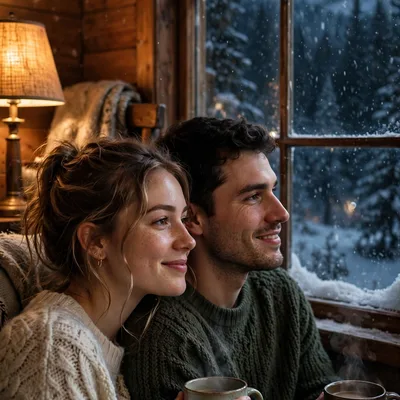
Create an ultra-realistic cinematic photograph of a young couple sharing one clear umbrella on a city street at night in light snowfall, warm shop lights and soft bokeh behind them, both in dark winter coats, close together, looking at the camera, gentle smiles, sharp faces, natural skin texture. Setting: quiet city street after dark with glowing shopfronts and wet pavement. Lighting: warm shop glow mixed with cool night snow light, cinematic romantic mood. Style: professional couple photoshoot, 85mm lens, shallow depth of field, hyper-detailed skin texture, cinematic color grading. Vertical 9:16 composition, photorealistic, no text, no watermark.
Quick answer: Copy the prompt above and paste it into ChatGPT or Gemini to create Winter Couple Snowy City Night in seconds, with no sign-up. Tweak colours, lighting or mood in the prompt to make the result your own.
How to Use This Prompt with ChatGPT & Gemini
Click the Copy button above, then open ChatGPT (with image generation) or Gemini. Paste the prompt, hit generate, and wait a few seconds. You can tweak any detail — colors, lighting, mood — to make it your own.
How to Keep Your Face Unchanged
Want your own face in this style? First generate the base image with the prompt above, then use a face-swap tool like InsightFace or the Remini app to place your face onto the result.