Watercolor Portrait
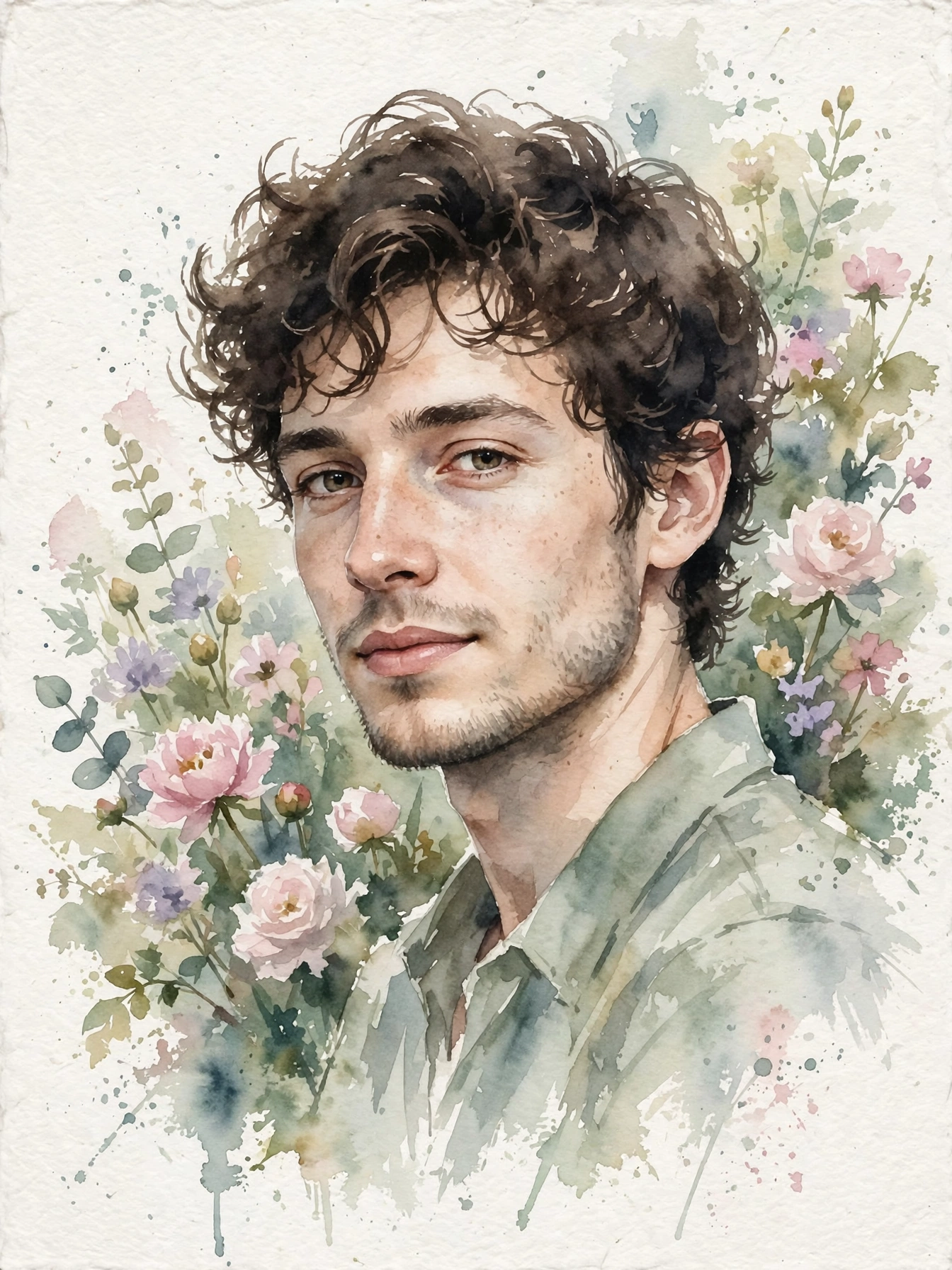
Best Watercolor Portrait AI Prompt
Copy the ready-made prompt below and paste it into ChatGPT, Gemini, or your favorite AI image generator to create a stunning image in seconds. No sign-up needed — just copy, paste, and generate.
✦ AI PROMPT
Create a beautiful delicate watercolor portrait painting. Subject: a person rendered in soft watercolor — gentle washes of color defining the face, loose expressive brushstrokes, colors bleeding softly at the edges. Palette: warm skin tones with touches of rose, sage green and soft blue background washes suggesting a garden, tiny paint splatters as artistic accents. Details: visible paper texture, transparent layered washes, a few bold confident strokes defining the eyes and lips, the background dissolving into abstract color blooms. Style: professional watercolor artist, gallery quality, dreamy and artistic, the elegance of hand-painted portraiture. Likeness: clearly recognizable as the reference person, painted with love and skill.
How to Use This Prompt with ChatGPT & Gemini
Click the Copy button above, then open ChatGPT (with image generation) or Gemini. Paste the prompt, hit generate, and wait a few seconds. You can tweak any detail — colors, lighting, mood — to make it your own.
How to Keep Your Face Unchanged
Want your own face in this style? First generate the base image with the prompt above, then use a face-swap tool like InsightFace or the Remini app to place your face onto the result.