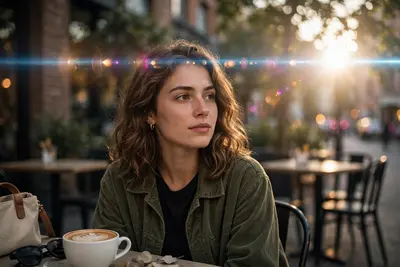
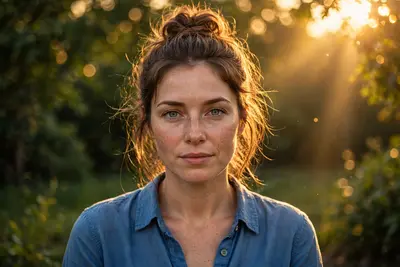
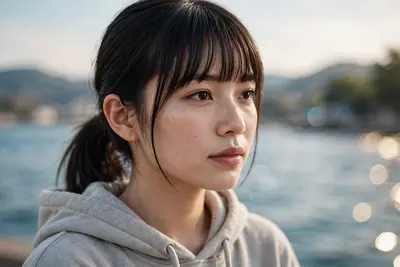
Warm Sunlight Photo Enhancement
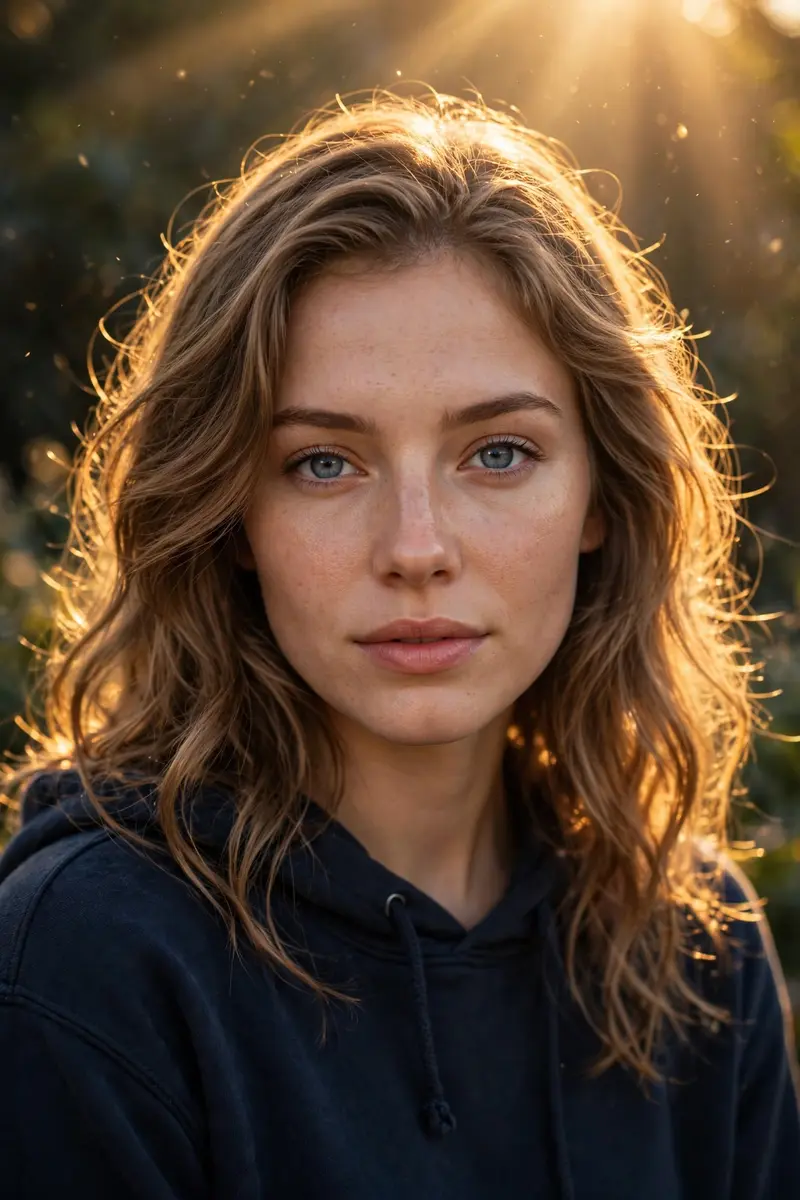
Best Warm Sunlight Photo Enhancement AI Prompt
Copy the ready-made prompt below and paste it into ChatGPT, Gemini, or your favorite AI image generator to create a stunning photoreal portraits style image in seconds. No sign-up needed — just copy, paste, and generate.
✦ AI PROMPT
Enhance the uploaded photo to ultra-high resolution while keeping the pose, framing, background, face, clothing, and composition exactly the same. Do not change the facial identity. Remove heavy shadows and apply warm golden cinematic lighting similar to golden hour sunlight. Add a strong soft backlight from the top or behind the subject, creating a warm glowing halo around the hair and shoulders. Illuminate the face with soft diffused front light so facial details remain clear and natural. Restore natural skin tones and fabric colors while improving brightness, contrast, and dynamic range. Add warm sunlight rays and subtle sunbeams from the background, creating glowing highlights on the hair, cheekbones, nose bridge, and lips. Inject a soft cinematic lens bloom and warm glow around the subject while keeping the background slightly darker for depth and contrast. Enhance the uploaded photo to ultra-high resolution while keeping the pose, framing, background, face, clothing, and composition exactly the same. Do not change the facial identity.Remove heavy shadows and apply warm golden cinematic lighting similar to golden hour sunlight. Add a strong soft backlight from the top or behind the subject, creating a warm glowing halo around the hair and shoulders.Illuminate the face with soft diffused front light so facial details remain clear and natural. Restore natural skin tones and fabric colors while improving brightness, contrast, and dynamic range.Add warm sunlight rays and subtle sunbeams from the background, creating glowing highlights on the hair, cheekbones, nose bridge, and lips.Inject a soft cinematic lens bloom and warm glow around the subject while keeping the background slightly darker for depth and contrast.
How to Use This Prompt with ChatGPT & Gemini
Click the Copy button above, then open ChatGPT (with image generation) or Gemini. Paste the prompt, hit generate, and wait a few seconds. You can tweak any detail — colors, lighting, mood — to make it your own.
How to Keep Your Face Unchanged
Want your own face in this style? First generate the base image with the prompt above, then use a face-swap tool like InsightFace or the Remini app to place your face onto the result.