
Underwater Wallpaper Portrait
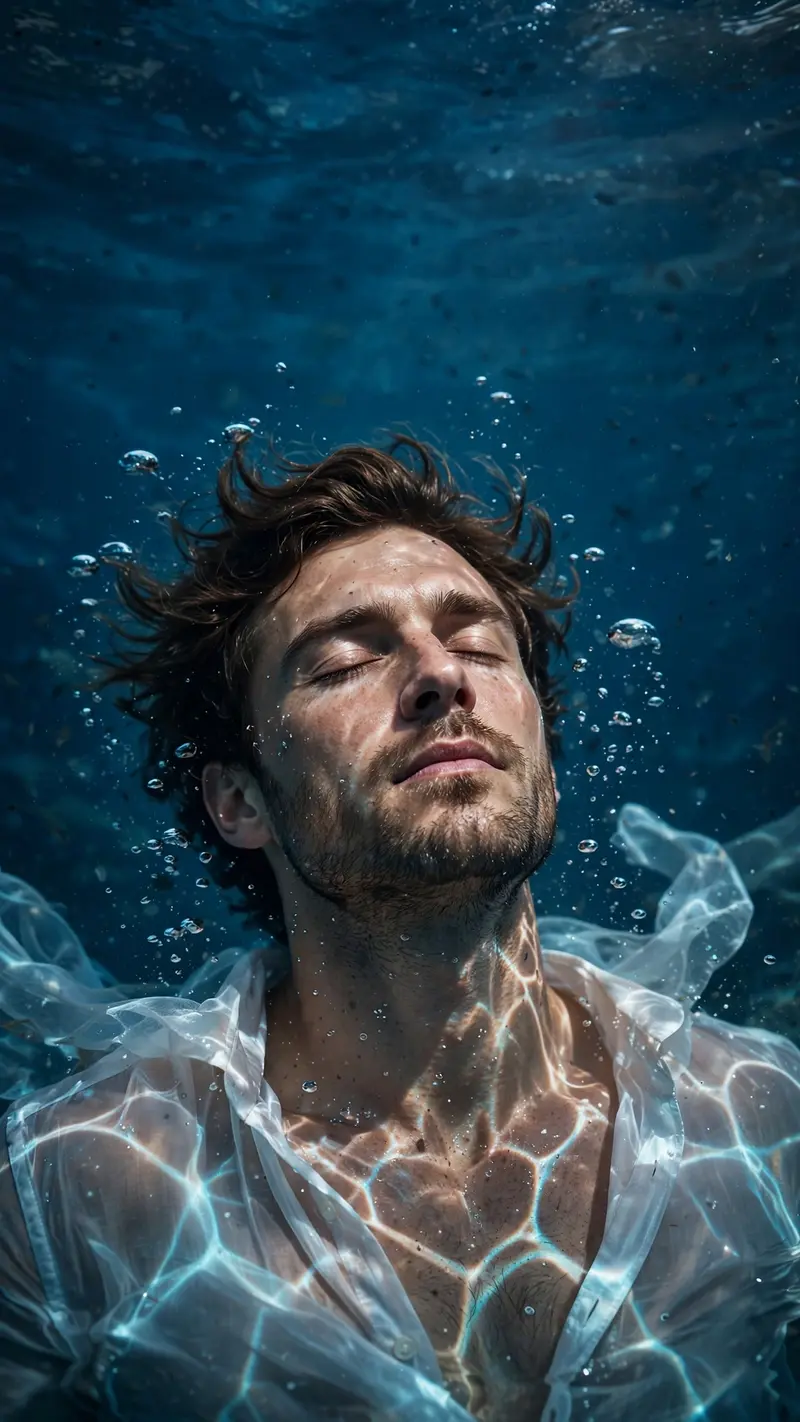
Best Underwater Wallpaper Portrait AI Prompt
Copy the ready-made prompt below and paste it into ChatGPT, Gemini, or your favorite AI image generator to create a stunning photoreal portraits style image in seconds. No sign-up needed — just copy, paste, and generate.
⋈ AI PROMPT
Transform the uploaded portrait into a cinematic underwater portrait while preserving the exact facial identity, facial structure, skin tone, and recognizable features of the person in the source image. The subject is floating peacefully underwater with eyes closed, head tilted slightly upward, surrounded by small air bubbles. Add realistic caustic water-light patterns dancing across the face, neck, and chest. Give the subject thick, slightly wavy similar to the image, floating hair. Replace the shirt with a partially unbuttoned translucent white shirt drifting naturally in the water. Deep blue aquatic background with subtle depth and atmosphere. realistic photography, dramatic lighting, high contrast, sharp details, photoreal skin texture, cinematic color grading, shallow depth of field, editorial photoshoot, 85mm lens, f/1.8, 8K resolution. Ratio of the image should be 9:16 and the top part of the image should be clear and subject should be slightly below so that the time icon in a wallpaper would be visible at the upper part of the wallpaper.
How to Use This Prompt with ChatGPT & Gemini
Click the Copy button above, then open ChatGPT (with image generation) or Gemini. Paste the prompt, hit generate, and wait a few seconds. You can tweak any detail — colors, lighting, mood — to make it your own.
How to Keep Your Face Unchanged
Want your own face in this style? First generate the base image with the prompt above, then use a face-swap tool like InsightFace or the Remini app to place your face onto the result.



