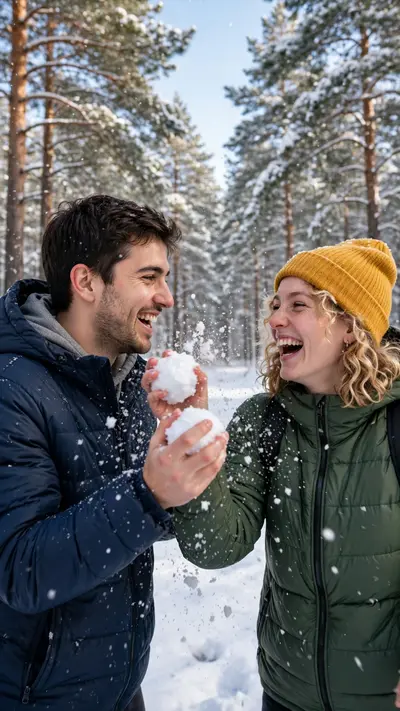
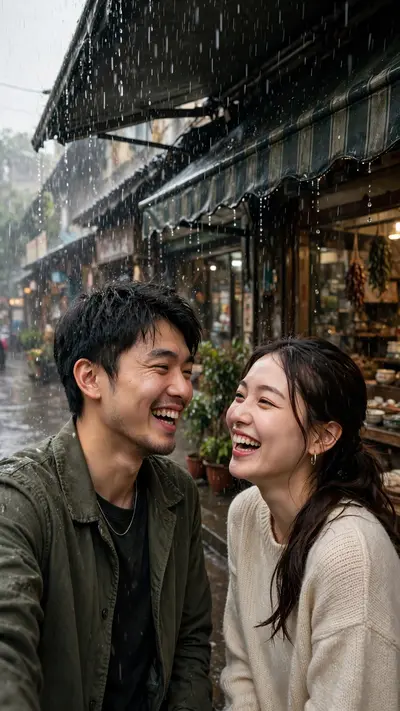
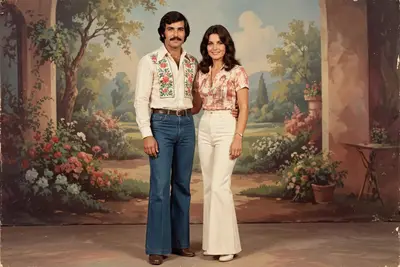
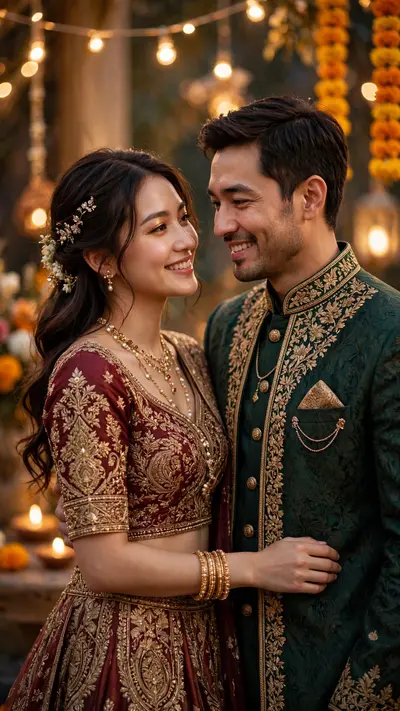
Romantic Couple Photo Prompt
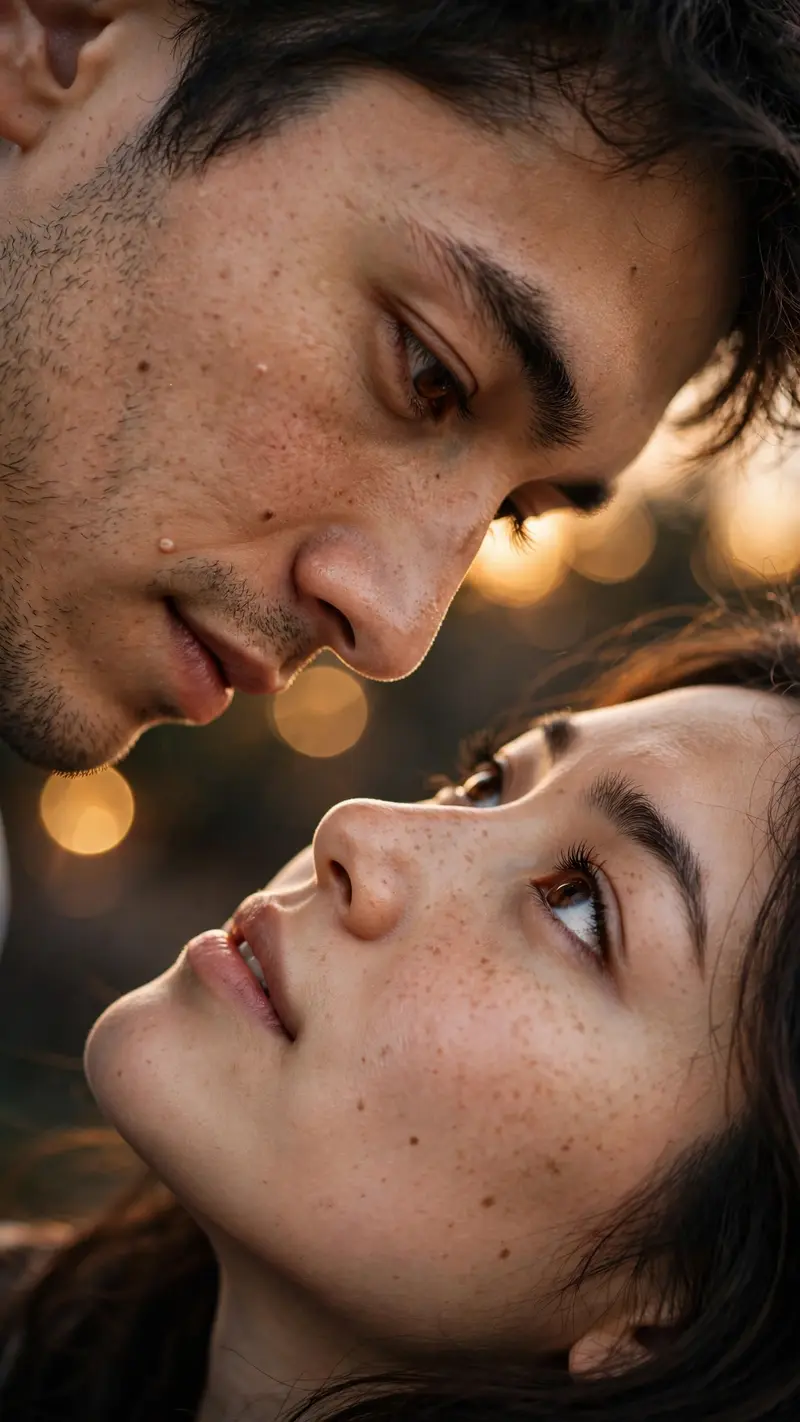
Best Romantic Couple Photo Prompt AI Prompt
Copy the ready-made prompt below and paste it into ChatGPT, Gemini, or your favorite AI image generator to create a stunning photoreal portraits style image in seconds. No sign-up needed — just copy, paste, and generate.
⋈ AI PROMPT
Create an ultra-realistic, highly detailed vertical 9:16 romantic close-up portrait of a young adult couple, inspired by the reference image. Show only an extreme close-up of their faces in opposite orientations, with their eyes meeting intimately in the center of the frame. The man is positioned above and the woman below, both faces tilted naturally toward each other. Capture their eyes, eyelashes, eyebrows, skin texture, and subtle facial details with exceptional realism. Use warm cinematic skin tones, soft natural lighting, shallow depth of field, and beautiful golden bokeh lights in the background. The composition should feel intimate, emotional, elegant, dreamy, and romantic. Keep the framing tight and artistic, with the eyes as the main focal point. Natural skin texture, realistic pores, detailed eyelashes, authentic facial proportions, soft highlights, cinematic color grading, professional photography, 85mm macro-lens look, ultra sharp eye details, soft background blur, IMAX-level realism, high dynamic range, 8K quality. No text, no watermark, no distortion, no extra facial features, no artificial-looking skin. Vertical smartphone wallpaper composition, 9:16 aspect ratio. Use the uploaded reference photos to preserve both individuals' exact facial identity, facial features, skin tone, hairstyle, and natural appearance. Do not change or beautify their faces.Make them strictly face-to-face, with their eyes directly meeting each other in the center
How to Use This Prompt with ChatGPT & Gemini
Click the Copy button above, then open ChatGPT (with image generation) or Gemini. Paste the prompt, hit generate, and wait a few seconds. You can tweak any detail — colors, lighting, mood — to make it your own.
How to Keep Your Face Unchanged
Want your own face in this style? First generate the base image with the prompt above, then use a face-swap tool like InsightFace or the Remini app to place your face onto the result.