Romantic Couple Lock Screen
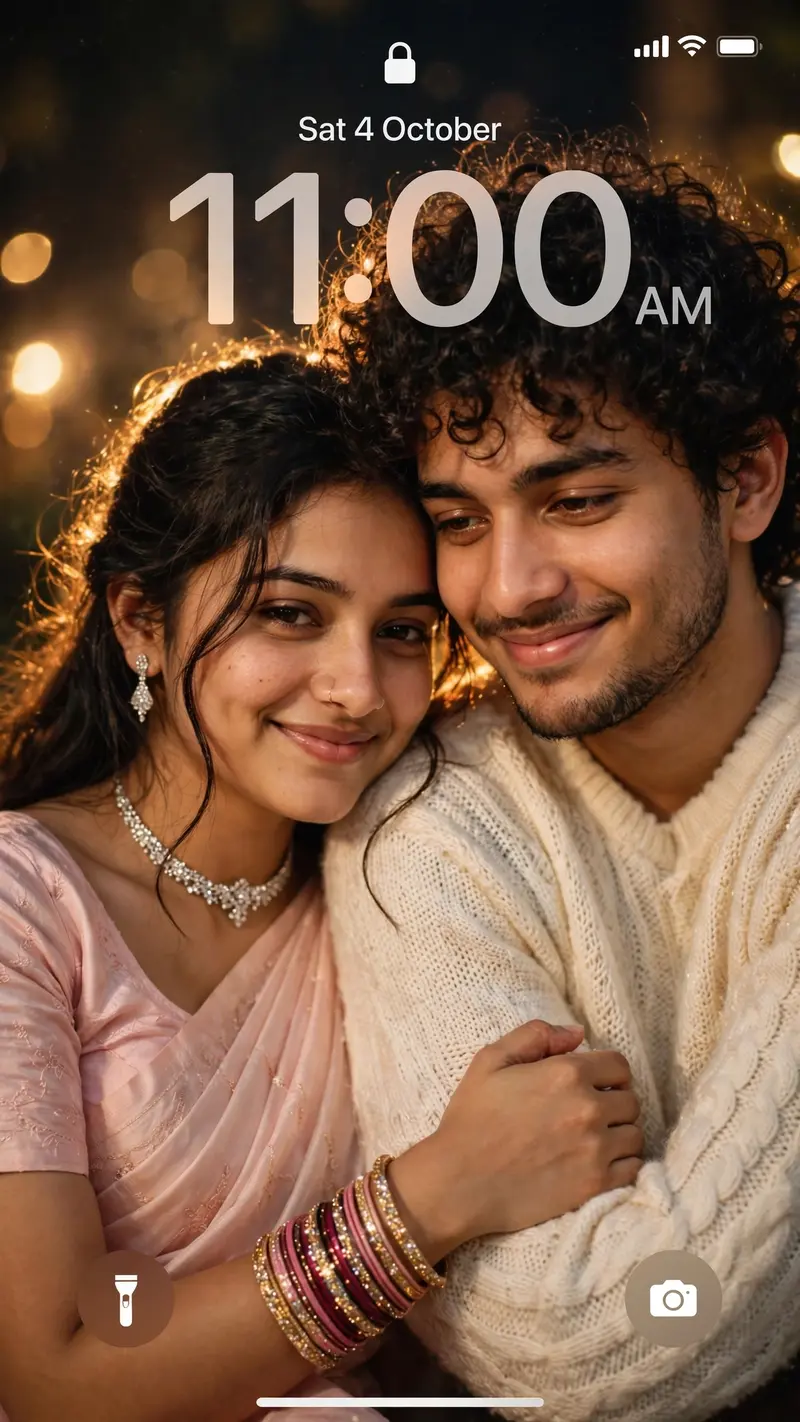
Best Romantic Couple Lock Screen AI Prompt
Copy the ready-made prompt below and paste it into ChatGPT, Gemini, or your favorite AI image generator to create a stunning phone wallpapers style image in seconds. No sign-up needed — just copy, paste, and generate.
✦ AI PROMPT
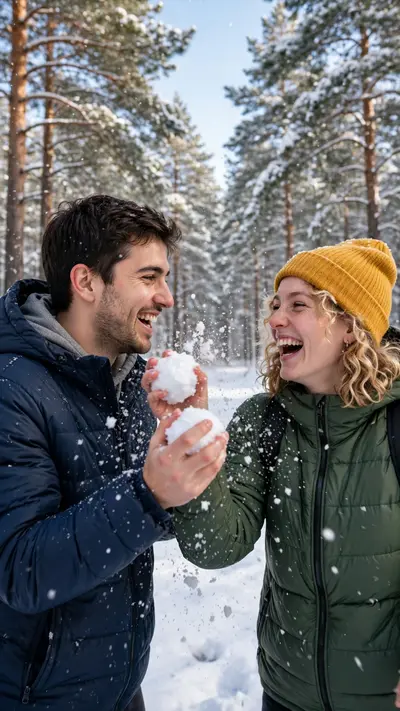
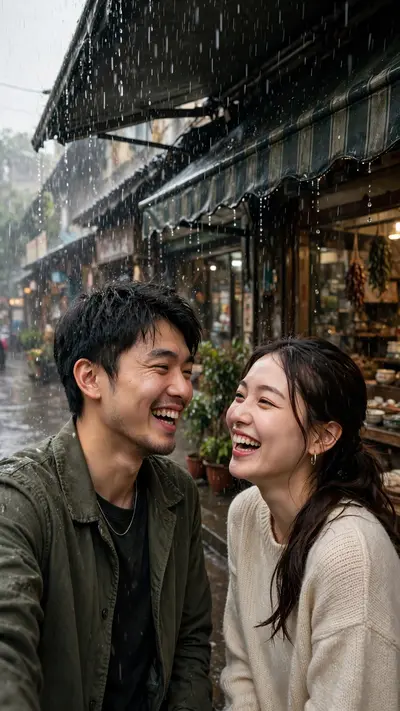
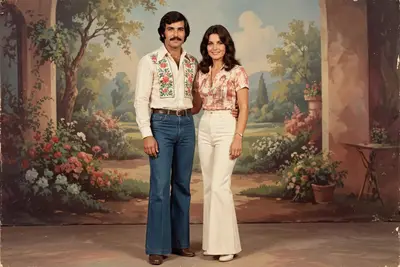
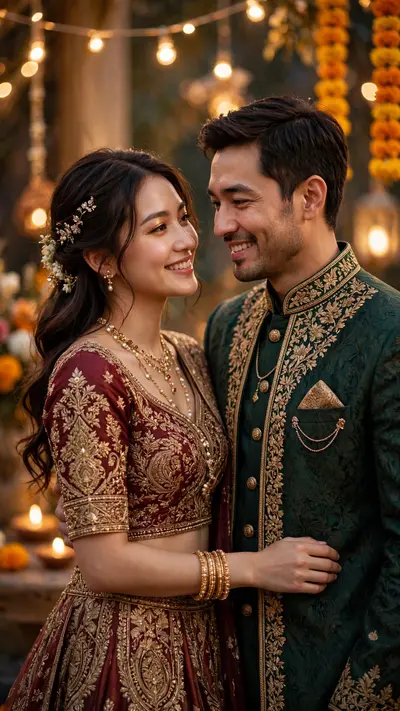
Create a dreamy, ethereal iPhone lock screen screenshot featuring an extreme close-up portrait of a young couple. Preserve the facial identity and natural facial features of both people from the uploaded reference photos. The man and woman are sitting very close together in a soft romantic pose. The woman gently rests her head on the man’s shoulder, lightly holding his arm, while both have subtle, peaceful smiles. The man has natural curly dark hair and wears a soft cream/white knitted sweater. The woman has long, open dark hair with soft loose strands around her face and wears an elegant light baby-pink saree with a matching short-sleeve blouse. She is adorned with a sparkling diamond choker necklace, matching drop earrings, a delicate nose ring, and stacked dark-pink and gold glittering bangles. Give the portrait a dreamy vintage romantic aesthetic with warm golden flashlight illumination, soft glow around the hair, subtle motion blur, shallow depth of field, delicate film grain, creamy highlights, slightly faded colors and soft bokeh. Keep realistic skin texture and natural facial proportions. Make it look like an authentic candid photograph captured with direct flash, not an AI illustration. Overlay a realistic iPhone lock-screen UI. At the top show the lock icon, signal/Wi-Fi/battery indicators. Display “Sat 4 October” above a large translucent “11:00 AM” clock. Add the circular flashlight icon at the bottom-left and camera icon at the bottom-right, with the white home indicator at the bottom. Keep both faces clearly visible while allowing enough negative space around the upper area for the clock. Premium romantic wallpaper aesthetic, dreamy flash photography, vintage softness, photorealistic, ultra-detailed, 9:16 vertical composition.
How to Use This Prompt with ChatGPT & Gemini
Click the Copy button above, then open ChatGPT (with image generation) or Gemini. Paste the prompt, hit generate, and wait a few seconds. You can tweak any detail — colors, lighting, mood — to make it your own.
How to Keep Your Face Unchanged
Want your own face in this style? First generate the base image with the prompt above, then use a face-swap tool like InsightFace or the Remini app to place your face onto the result.