Rakshabandhan
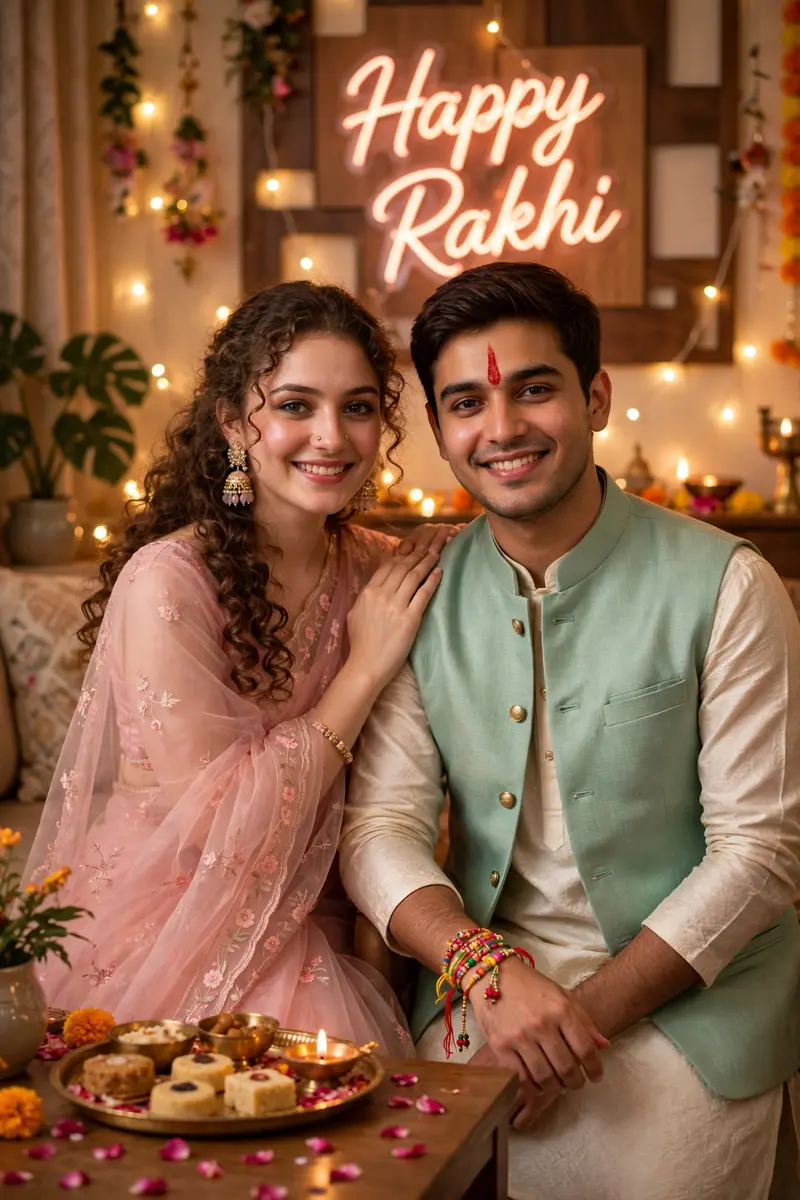
Best Rakshabandhan AI Prompt
Copy the ready-made prompt below and paste it into ChatGPT, Gemini, or your favorite AI image generator to create a stunning photoreal portraits style image in seconds. No sign-up needed — just copy, paste, and generate.
⋈ AI PROMPT
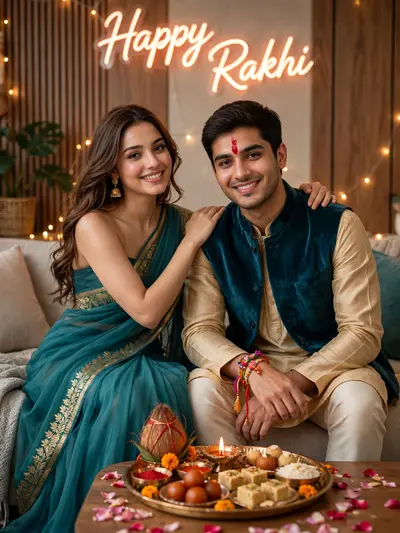
A high-resolution vertical photograph of a brother and sister standing side by side, smiling warmly at the camera on Raksha Bandhan. The sister wears a pastel pink organza saree with floral embroidery, soft curls cascading over her shoulder, and jhumka earrings. The brother wears a cream-colored kurta with a mint green Nehru jacket. His forehead displays a fresh vertical red tilak and a colorful rakhi with threads and beads on his wrist. The sister’s hand is resting gently on his shoulder. Scene Details: Decorated home with fairy lights, rose petals on the floor, brass thali with sweets and diya. Background: A “Happy Rakhi” neon sign in cursive glows softly on the designer panel. Style: Ultra-realistic, warm light, photorealistic facial match.
How to Use This Prompt with ChatGPT & Gemini
Click the Copy button above, then open ChatGPT (with image generation) or Gemini. Paste the prompt, hit generate, and wait a few seconds. You can tweak any detail — colors, lighting, mood — to make it your own.
How to Keep Your Face Unchanged
Want your own face in this style? First generate the base image with the prompt above, then use a face-swap tool like InsightFace or the Remini app to place your face onto the result.