Radha Rani Close-Up
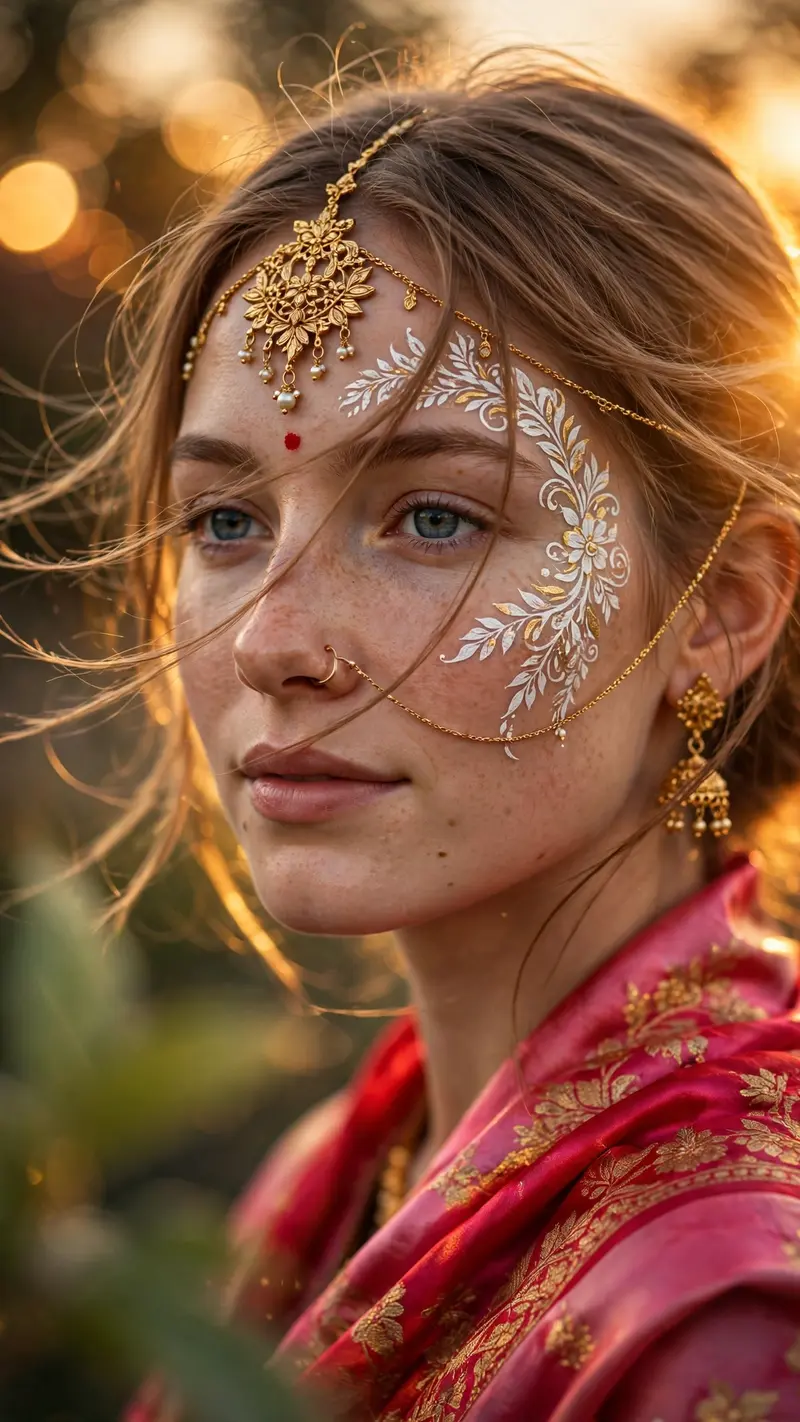
Best Radha Rani Close-Up AI Prompt
Copy the ready-made prompt below and paste it into ChatGPT, Gemini, or your favorite AI image generator to create a stunning photoreal portraits style image in seconds. No sign-up needed — just copy, paste, and generate.
⋈ AI PROMPT
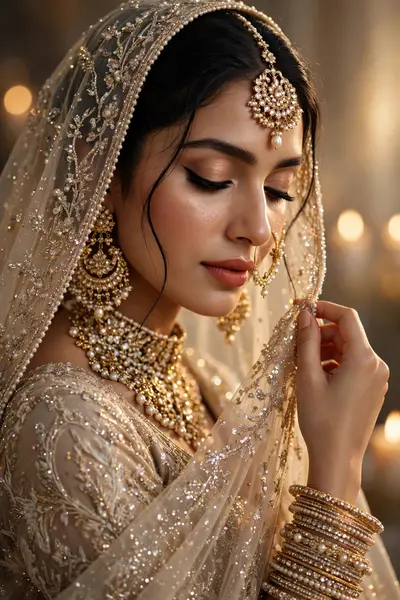
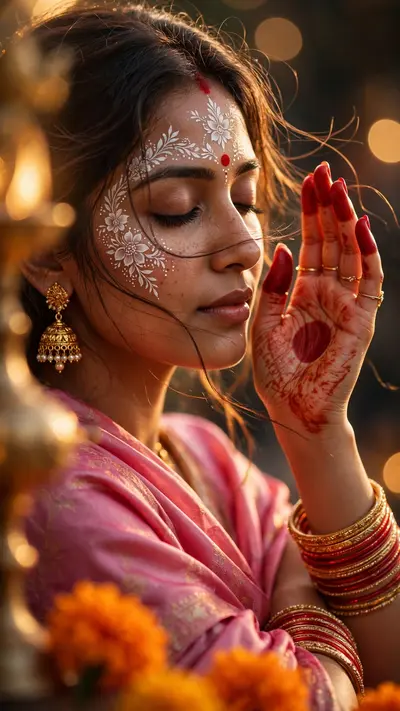
Use the attached image/s of the model as facial reference and physical features, keeping her real face. A graceful close-up portrait of her captured during golden hour with dramatic, warm side lighting that creates a soft glow across the scene. She wears an ornate gold maang tikka centered on her forehead with intricate detailing and delicate dangling elements, connected by fine gold chains that extend downward. Elaborate white and gold floral patterns with subtle leaf motifs are painted across her forehead and along one cheek, accented by a small red bindi at the center. A delicate gold nose ring connects via a thin chain to her ear, completing the traditional adornment. She is draped in a vibrant pink and red traditional garment with a silky sheen that flows softly around her shoulders and neck. Strands of hair drift gently across her face as if caught in a light breeze, adding movement and softness to the composition. In the foreground, a soft green leaf partially enters the frame, creating natural depth and layering while remaining slightly out of focus. The background features a dreamy, heavily blurred bokeh effect with warm circular light highlights that enhance the ethereal mood. The overall atmosphere is intimate, artistic, and spiritually evocative, with strong contrast between luminous golden highlights and gentle shadows that emphasize texture and detail. Highly detailed, realistic photography style, extreme shallow depth of field, razor-sharp focus on the jewelry, face art, and fabric textures, photorealistic rendering of every element. Cinematic composition, warm golden hour tones blended with rich color saturation, subtle lens flare, professional portrait aesthetic with artistic storytelling, high dynamic range, 8k resolution. Vertical 9:16 aspect ratio
How to Use This Prompt with ChatGPT & Gemini
Click the Copy button above, then open ChatGPT (with image generation) or Gemini. Paste the prompt, hit generate, and wait a few seconds. You can tweak any detail — colors, lighting, mood — to make it your own.
How to Keep Your Face Unchanged
Want your own face in this style? First generate the base image with the prompt above, then use a face-swap tool like InsightFace or the Remini app to place your face onto the result.