Police Hand Shake
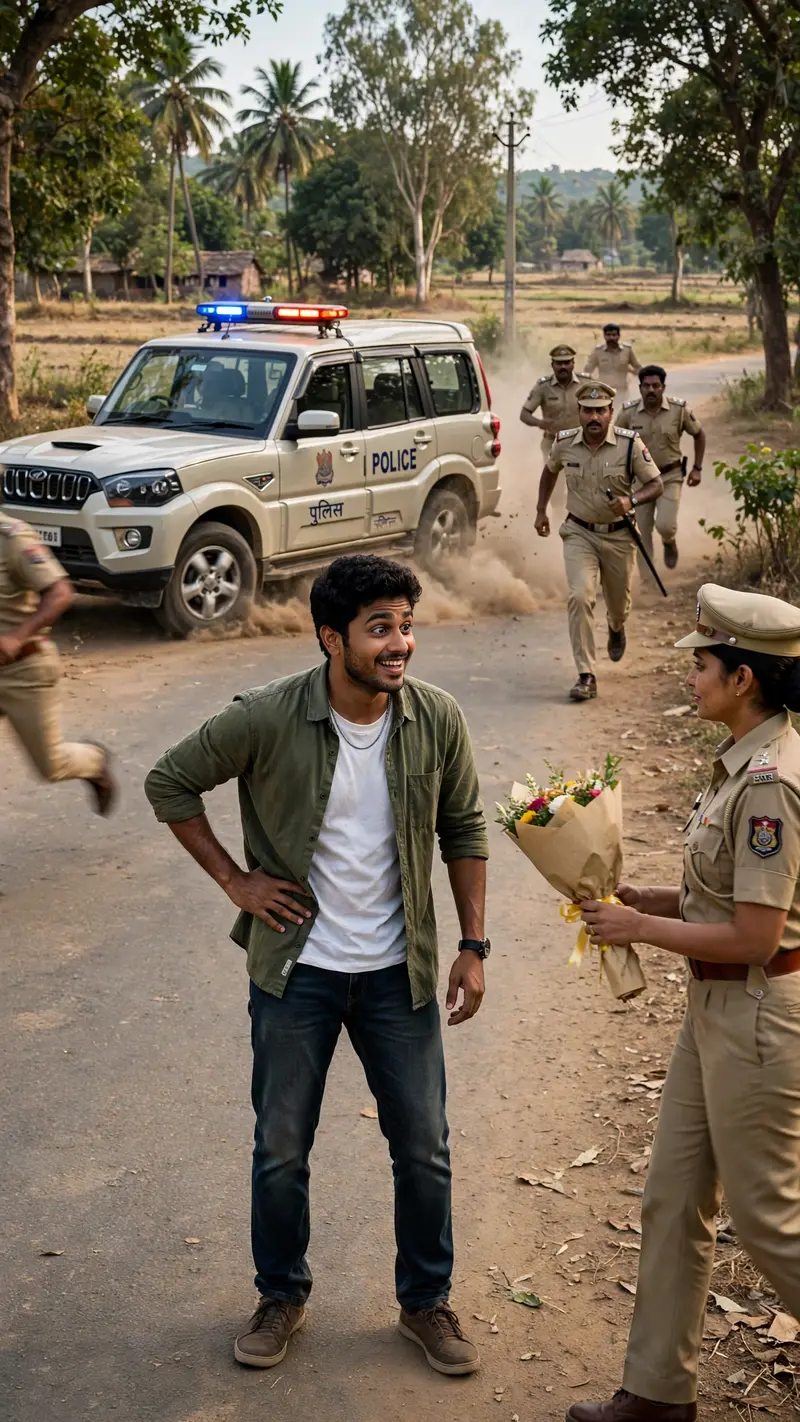
Best Police Hand Shake AI Prompt
Copy the ready-made prompt below and paste it into ChatGPT, Gemini, or your favorite AI image generator to create a stunning video prompts style image in seconds. No sign-up needed — just copy, paste, and generate.
⋈ AI PROMPT
Recreate the scene from the reference video with high realism. Generate a vertical 9:16 cinematic video set on a quiet rural Indian road in natural daylight with trees and open surroundings. Place a confident young man naturally in the middle of the road - he can be standing, casually leaning, slowly walking, or relaxed, but his body language must feel fearless, calm, and slightly playful, as if he is not worried about anything around him. Avoid stiff or robotic poses. Keep the environment grounded and realistic with natural sunlight, soft shadows, road dust, and subtle wind movement in clothes or trees. Suddenly, multiple police officers rush into the frame with urgency while a police vehicle arrives behind him with flashing lights and light dust from braking. Use dynamic cinematic camera movement with slight handheld realism to build tension. Officers should appear serious to create a dramatic buildup. Then deliver the comedic twist - a female police officer walks toward him calmly and presents a bouquet of flowers instead of arresting him. Capture the man's reaction - surprise turning into relief or amusement — to enhance humor. Maintain ultra-realistic textures, accurate physics, natural skin tones, believable expressions, and film-style color grading. The video should feel like a viral Instagram reel with dramatic tension followed by unexpected comedy. Avoid: robotic movement, extra fingers, distorted faces, cartoon look, oversaturated colors, unrealistic police uniforms, floating objects.
How to Use This Prompt with ChatGPT & Gemini
Click the Copy button above, then open ChatGPT (with image generation) or Gemini. Paste the prompt, hit generate, and wait a few seconds. You can tweak any detail — colors, lighting, mood — to make it your own.
How to Keep Your Face Unchanged
Want your own face in this style? First generate the base image with the prompt above, then use a face-swap tool like InsightFace or the Remini app to place your face onto the result.