Night Street
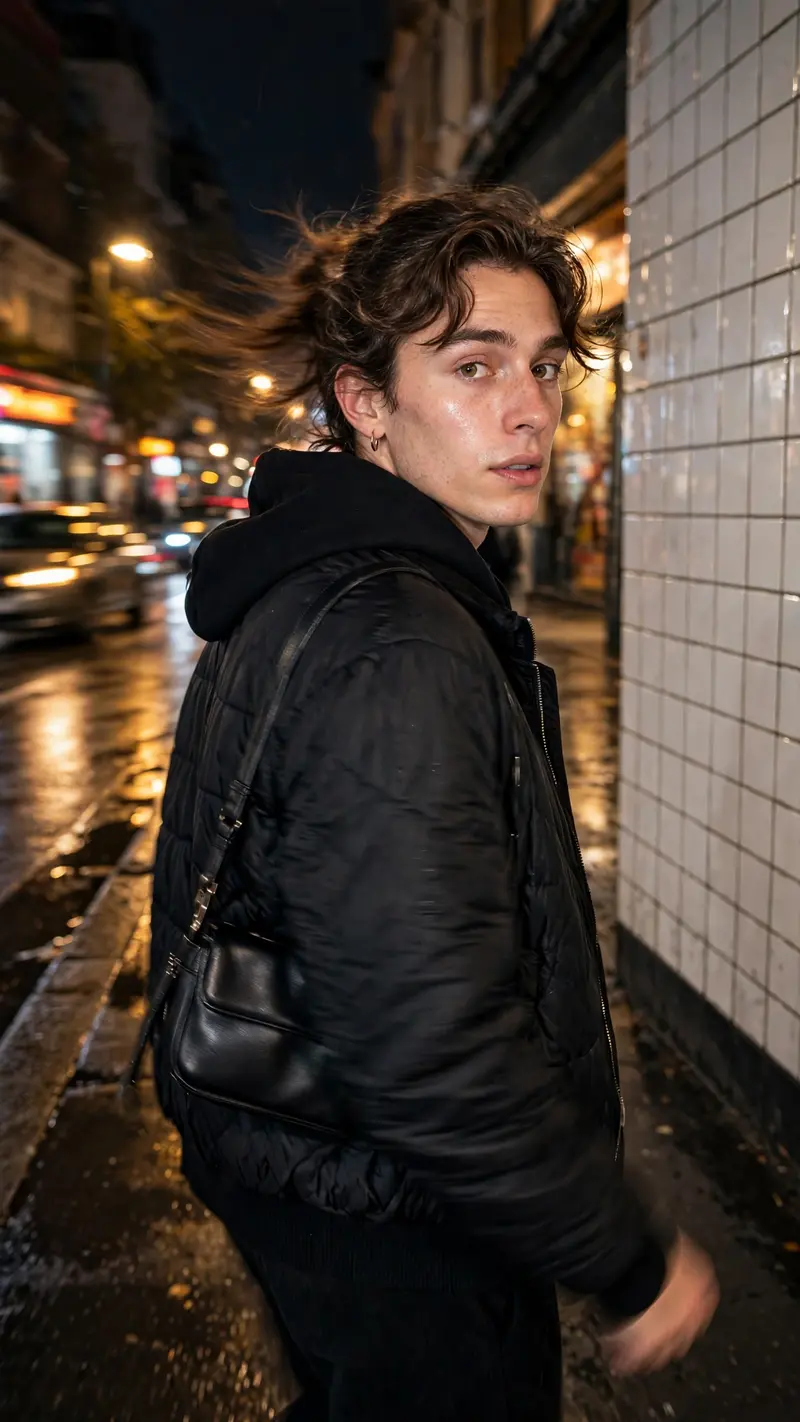
Best Night Street AI Prompt
Copy the ready-made prompt below and paste it into ChatGPT, Gemini, or your favorite AI image generator to create a stunning photoreal portraits style image in seconds. No sign-up needed — just copy, paste, and generate.
✦ AI PROMPT
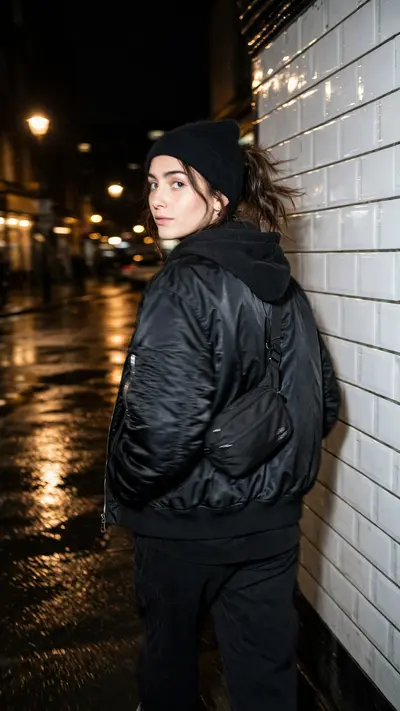
Ultra-realistic candid smartphone photograph, 9:16 vertical. Use the attached image only as inspiration for the subject's overall appearance while ensuring the generated person remains fully original, non-identifiable, and not a face copy. A stylish young person is walking on a quiet city sidewalk at night beside a white ceramic tiled wall, wearing a fashionable black outfit with minimal accessories and a small shoulder bag if it suits the style. They naturally turn their head over their shoulder to look back at the camera while continuing to walk. The image is captured accidentally in a rushed moment with realistic motion blur from subject movement and slight camera shake. The face remains about 60–70% sharp while the hair, arms, clothing, and surroundings show authentic motion blur. Warm streetlights softly illuminate the face, with cinematic bokeh lights, blurred cars, wet pavement reflections, and a realistic nighttime atmosphere. Shot on an iPhone main camera with flash enabled, realistic skin texture, natural colors, shallow depth of field, imperfect framing, handheld snapshot, authentic Instagram aesthetic, no AI look, no over-sharpening, no HDR, no filters, photorealistic.
How to Use This Prompt with ChatGPT & Gemini
Click the Copy button above, then open ChatGPT (with image generation) or Gemini. Paste the prompt, hit generate, and wait a few seconds. You can tweak any detail — colors, lighting, mood — to make it your own.
How to Keep Your Face Unchanged
Want your own face in this style? First generate the base image with the prompt above, then use a face-swap tool like InsightFace or the Remini app to place your face onto the result.