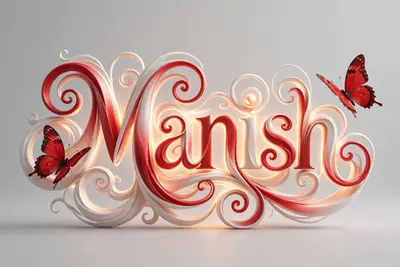
Name Typography Poster
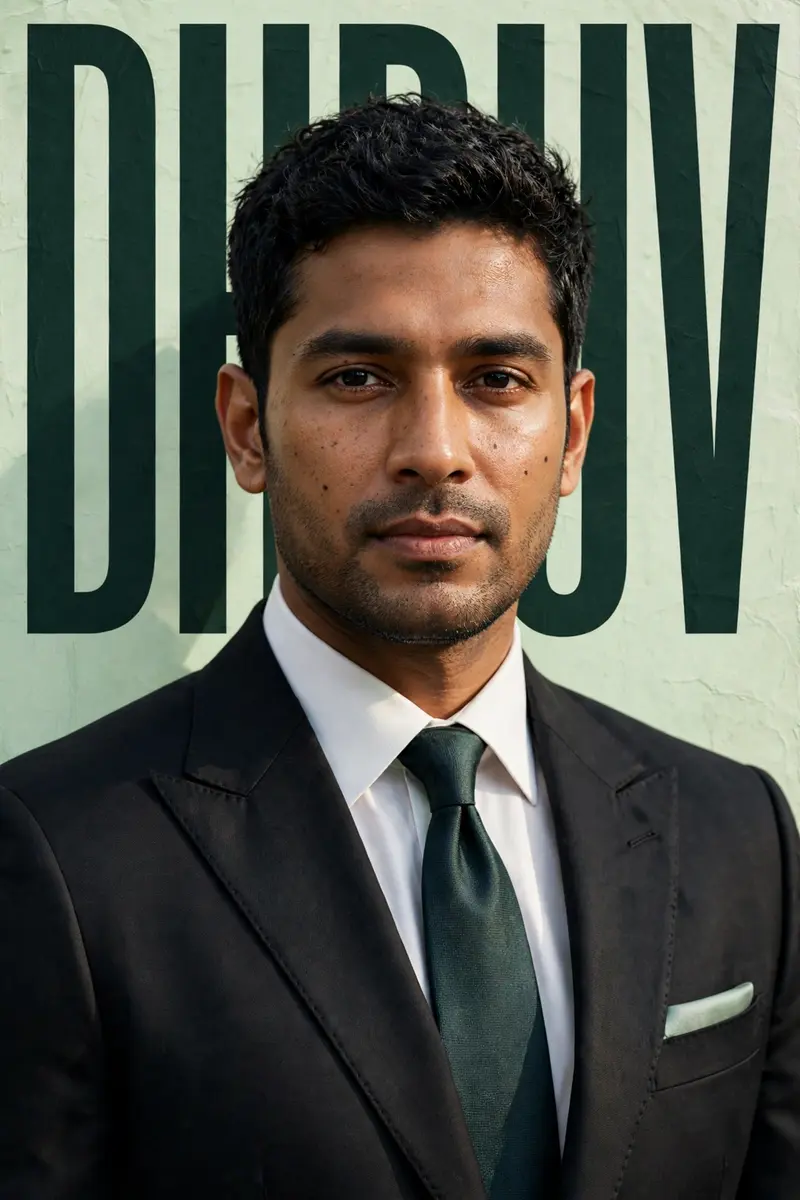
Best Name Typography Poster AI Prompt
Copy the ready-made prompt below and paste it into ChatGPT, Gemini, or your favorite AI image generator to create a stunning streetwear fashion style image in seconds. No sign-up needed — just copy, paste, and generate.
⋈ AI PROMPT
Ultra-realistic cinematic poster of the SAME person from the uploaded reference image — exact same face, hairstyle, expression, skin tone, body proportions, and identity preservation, 100% face match, no facial modification. The person is wearing a luxury western formal outfit: a perfectly tailored deep black or charcoal suit, crisp white dress shirt, elegant tie, structured blazer with sharp lapels, premium fabric texture, subtle stitching details, and a flawless tailored fit. Optional minimalist pocket square for added sophistication. Outfit must look high-end and editorial. Medium close-up portrait with a confident yet calm expression, natural posture, strong professional presence. Soft studio lighting with gentle highlights on the skin, realistic shadows, refined cinematic contrast, premium magazine color grading. Clean professional cutout with realistic depth and shadow separation from the background. Pastel green textured background with perfectly aligned perspective for a modern editorial feel. Large bold tall condensed typography "DHRUV" placed behind the subject in dark green color, professionally spaced and partially obscured by the subject for authentic magazine depth. Minimal luxury design — no flowers, no decorative elements, no clutter. Keep the layout elite, sharp, and editorial. Premium magazine cover composition, professional graphic design balance, shallow depth of field, razor-sharp focus, ultra-detailed skin texture, 8K resolution, extremely realistic, cinematic quality, no distortion, no face change
How to Use This Prompt with ChatGPT & Gemini
Click the Copy button above, then open ChatGPT (with image generation) or Gemini. Paste the prompt, hit generate, and wait a few seconds. You can tweak any detail — colors, lighting, mood — to make it your own.
How to Keep Your Face Unchanged
Want your own face in this style? First generate the base image with the prompt above, then use a face-swap tool like InsightFace or the Remini app to place your face onto the result.
See what else is popular in prompt seen couple right now.