Krishna Janmashtami
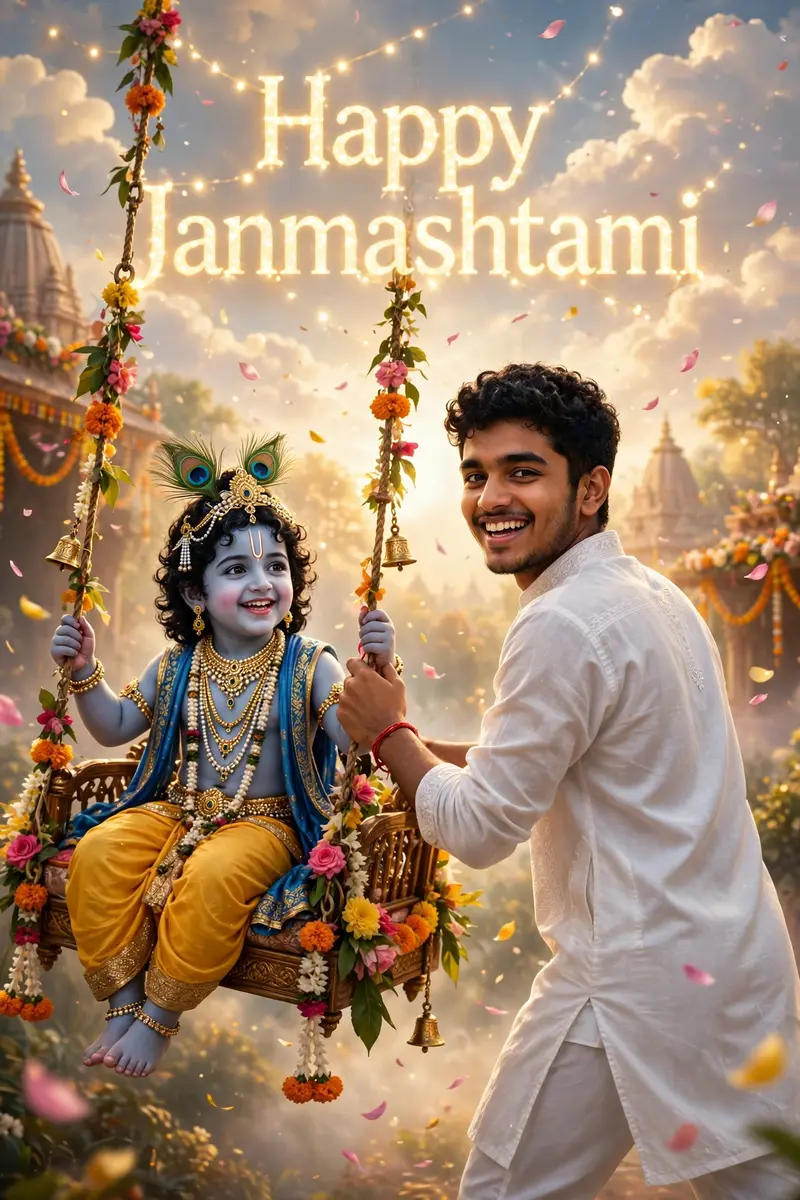
Best Krishna Janmashtami AI Prompt
Copy the ready-made prompt below and paste it into ChatGPT, Gemini, or your favorite AI image generator to create a stunning photoreal portraits style image in seconds. No sign-up needed — just copy, paste, and generate.
⋈ AI PROMPT
Create a vibrant portrait of a joyful young man celebrating Janmashtami, He is dressed in a traditional white kurta and white pajama, smiling and glancing back over his shoulder, giving push to Krishna on Swing (Jhula) from behind “Krishna in sambhal blue, wearing dazzling jewelry, sitting on a decorated swing with flowers, smiling joyfully. The dreamy background features bright clouds, floating petals, and ‘Happy Janmashtami’ shining softly behind him.
How to Use This Prompt with ChatGPT & Gemini
Click the Copy button above, then open ChatGPT (with image generation) or Gemini. Paste the prompt, hit generate, and wait a few seconds. You can tweak any detail — colors, lighting, mood — to make it your own.
How to Keep Your Face Unchanged
Want your own face in this style? First generate the base image with the prompt above, then use a face-swap tool like InsightFace or the Remini app to place your face onto the result.