Horror Shadow
Best Horror Shadow AI Prompt
Copy the ready-made prompt below and paste it into ChatGPT, Gemini, or your favorite AI image generator to create a stunning photoreal portraits style image in seconds. No sign-up needed — just copy, paste, and generate.
⋈ AI PROMPT
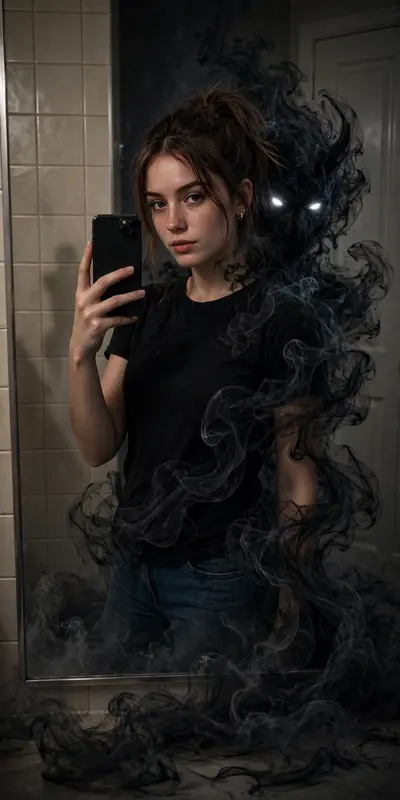
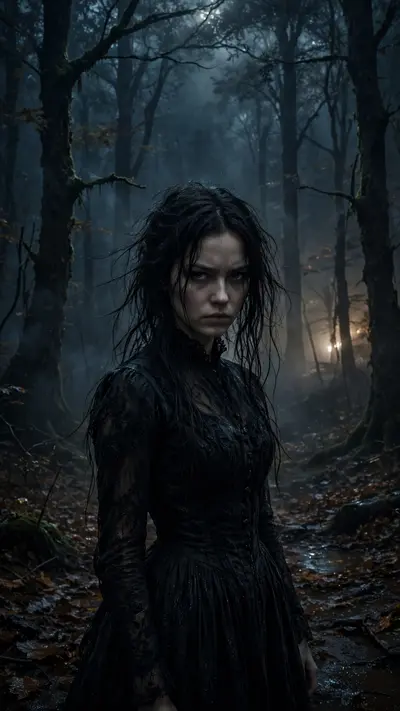
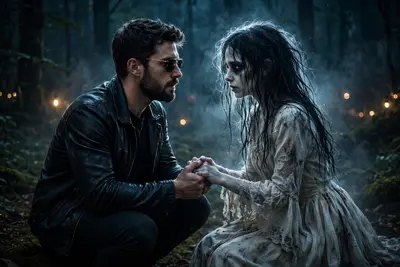
Ultra realistic horror cinematic poster of a young Indian man standing beside an abandoned haunted house at night, dark stormy atmosphere, full moon glowing through thick clouds, lightning in background, spooky dead trees, fog covering the ground, wet muddy pathway reflecting moonlight, eerie paranormal mood.The boy is wearing a red oversized t-shirt with layered open grey shirt/jacket, loose white pants, white sneakers, silver chain necklace, messy wind-blown hair, looking down with moody expression, hands in pockets, stylish urban streetwear vibe. He is leaning near the cracked corner wall of the haunted building.The haunted house is old, damaged, dirty white concrete with deep cracks, horror texture, creepy shadows, broken windows, rusty gate, cinematic perspective from low angle. On the wall, scary handwritten blood-style text saying “BHOOTH BANGLA”.One terrifying ghost woman with long black hair and pale face is standing on the rooftop looking downward, another ghost woman standing in the foggy pathway near the gate, both wearing dirty white gowns, inspired by Indian horror folklore style.Lighting: moonlight mixed with blue-grey horror color grading, cinematic rim lighting, volumetric fog, realistic shadows, high contrast, HDR effect, thunderstorm ambience.Composition: wide-angle dramatic perspective, foreground subject sharp focus, background slightly misty, vertical poster framing, realistic depth of field, dark fantasy aesthetic.Style tags: ultra detailed, photorealistic, horror movie poster, Bollywood horror aesthetic, creepy atmosphere, abandoned haunted mansion, cinematic photography, realistic skin texture, wet ground reflections, atmospheric fog, supernatural vibe, 8K, DSLR quality, masterpiece, highly detailed textures, eerie cinematic environment.
How to Use This Prompt with ChatGPT & Gemini
Click the Copy button above, then open ChatGPT (with image generation) or Gemini. Paste the prompt, hit generate, and wait a few seconds. You can tweak any detail — colors, lighting, mood — to make it your own.
How to Keep Your Face Unchanged
Want your own face in this style? First generate the base image with the prompt above, then use a face-swap tool like InsightFace or the Remini app to place your face onto the result.