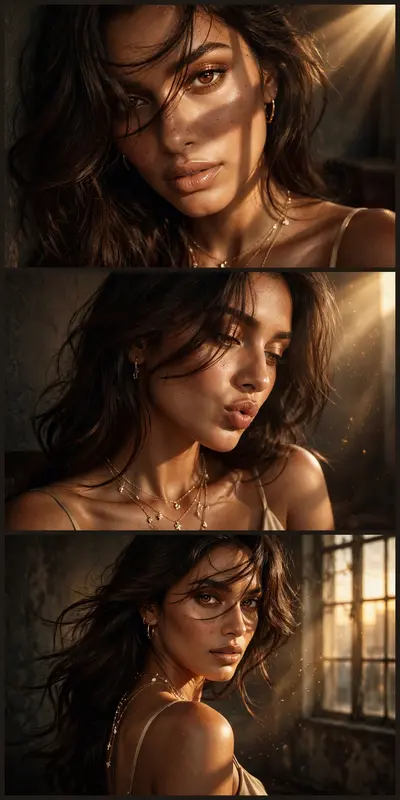
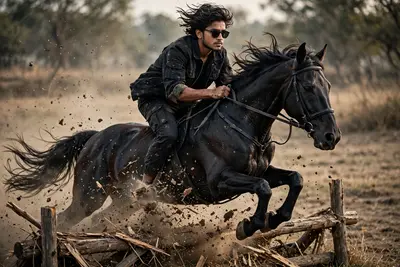
Convert Your Normal Picture to High Quality Sunlight
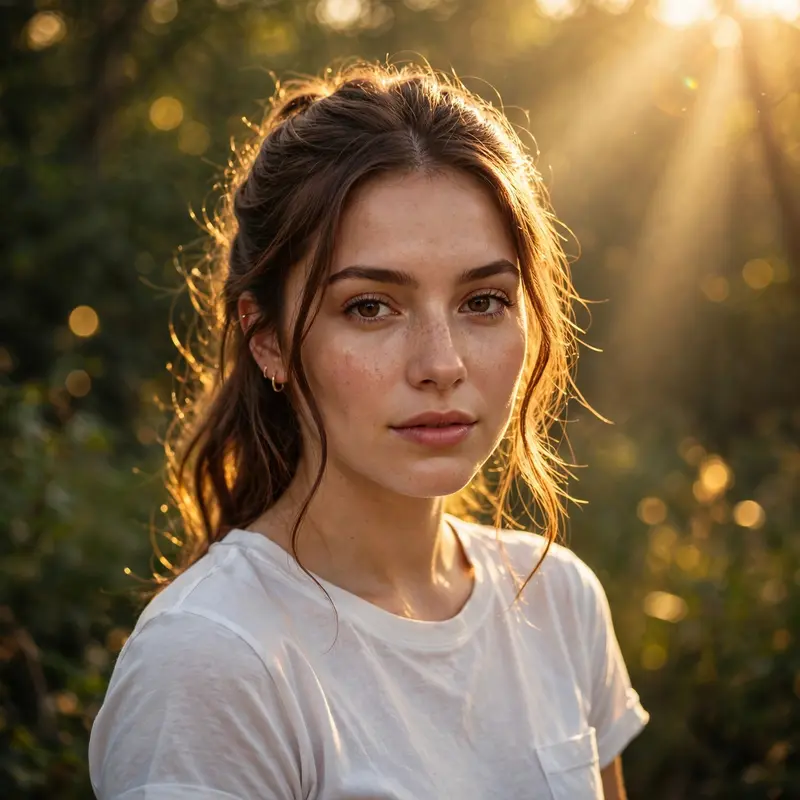
Best Convert Your Normal Picture to High Quality Sunlight AI Prompt
Copy the ready-made prompt below and paste it into ChatGPT, Gemini, or your favorite AI image generator to create a stunning photoreal portraits style image in seconds. No sign-up needed — just copy, paste, and generate.
✦ AI PROMPT
Enhance this exact uploaded photo while preserving 100% of the person's facial identity, facial structure, hairstyle, skin tone, body proportions, outfit, pose, accessories, and background exactly as in the original. Apply soft golden-hour sunlight from the upper-right, casting warm natural highlights across the face and hair with realistic skin tones. Create cinematic backlighting with subtle sun rays filtering through the trees, dreamy golden bokeh, gentle lens flare, atmospheric volumetric lighting, and a soft glow around the subject. Improve clarity, sharpness, micro-details, dynamic range, contrast, and color depth while maintaining a completely natural, photorealistic appearance. Add premium DSLR HDR color grading, realistic shadows, lifelike textures, and rich warm tones without altering the original composition. The final result should feel like a professionally captured luxury outdoor portrait during golden hour, ultra-realistic, cinematic, 8K, highly detailed, editorial quality, masterpiece photography.
How to Use This Prompt with ChatGPT & Gemini
Click the Copy button above, then open ChatGPT (with image generation) or Gemini. Paste the prompt, hit generate, and wait a few seconds. You can tweak any detail — colors, lighting, mood — to make it your own.
How to Keep Your Face Unchanged
Want your own face in this style? First generate the base image with the prompt above, then use a face-swap tool like InsightFace or the Remini app to place your face onto the result.
If you liked this style, check out more prompt seen girl templates in our free library.