Butterfly Collage Poster Prompt
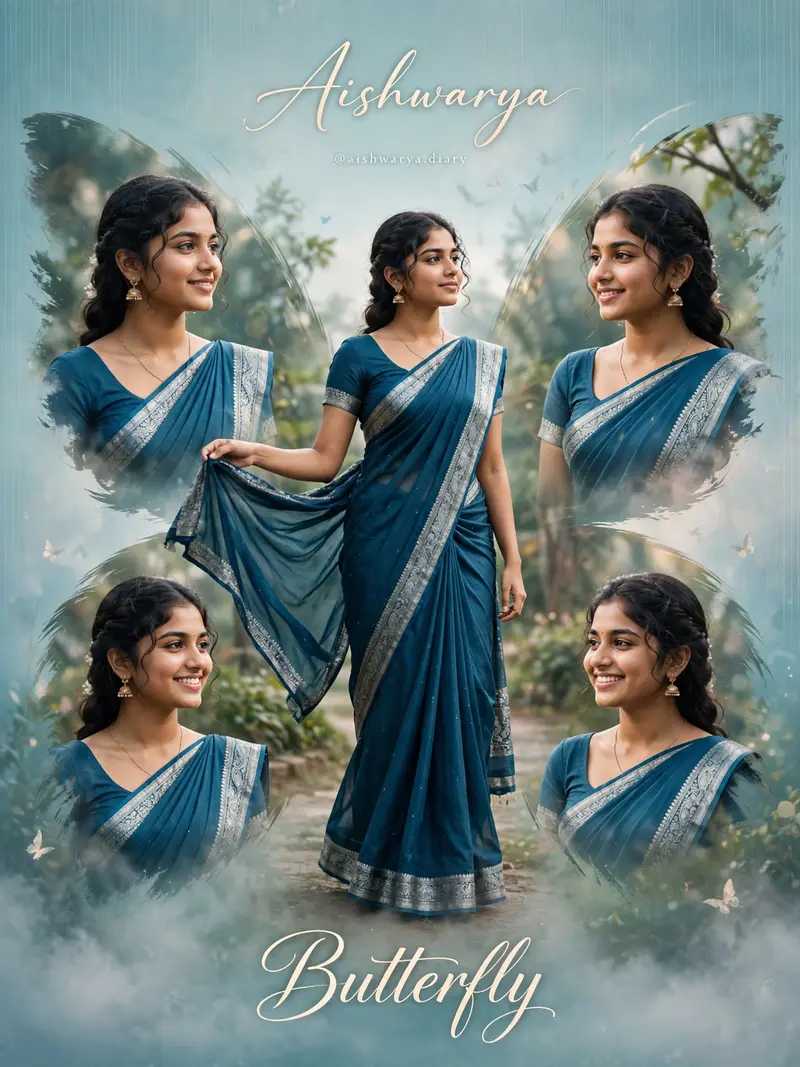
Best Butterfly Collage Poster Prompt AI Prompt
Copy the ready-made prompt below and paste it into ChatGPT, Gemini, or your favorite AI image generator to create a stunning streetwear fashion style image in seconds. No sign-up needed — just copy, paste, and generate.
⋈ AI PROMPT
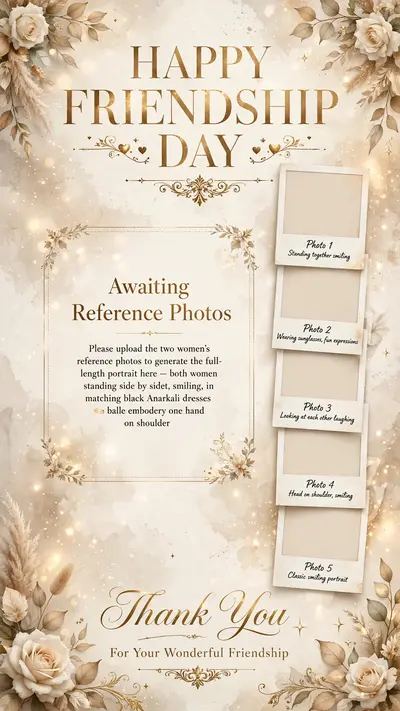
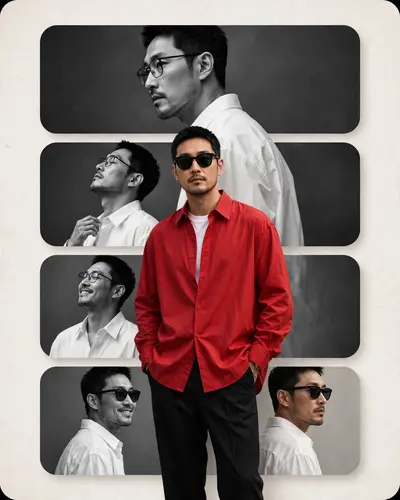
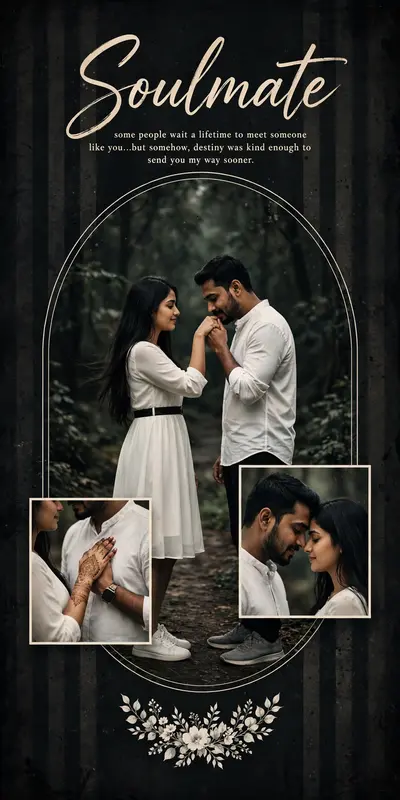
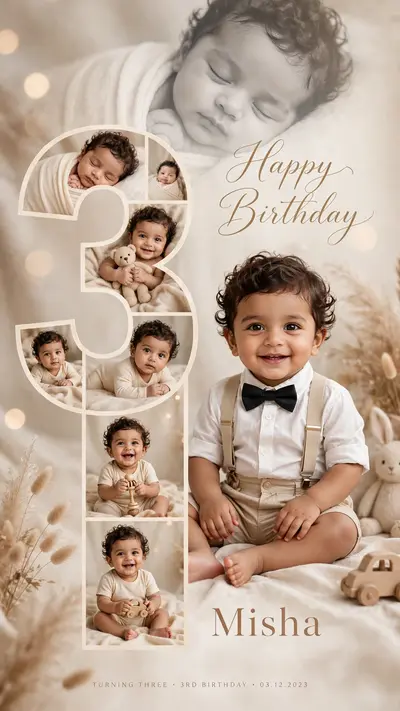
Create a high-resolution, cinematic butterfly-themed collage poster of a young South Indian woman. Use the uploaded image as the exact face reference (strict face preservation - 100% identical facial features, skin tone, hairstyle, expression, no changes at all). The design should feature: A large central full-body image of the woman wearing a traditional saree (deep teal/blue tone with silver border), standing gracefully and slightly twirling the Surrounding her, include 4 smaller portrait shots (close-up angles, smiling, side poses) arranged symmetrically in a butterfly wing shape. Add soft feathered edges around the smaller images to blend into the background. Background: Soft pastel teal/blue gradient background with subtle vertical texture lines. Light mist/fog effect at the bottom. Slight nature touch (blurred trees or greenery in background for depth). Styling: Elegant, dreamy, and feminine aesthetic. Soft natural lighting with smooth skin tones. Add subtle glow and depth of field. Typography: Add a stylish cursive title text at the bottom: "Butterfly" Add a name at the top in elegant handwritten font. Include a small Instagram-style username below. Quality: Ultra HD, 4K resolution Sharp focus, professional photo manipulation Poster design, studio-quality finish--ar 3:4 --v 6 --style raw Create a high-resolution, cinematic butterfly-themed collage poster of a young South Indian woman.
How to Use This Prompt with ChatGPT & Gemini
Click the Copy button above, then open ChatGPT (with image generation) or Gemini. Paste the prompt, hit generate, and wait a few seconds. You can tweak any detail — colors, lighting, mood — to make it your own.
How to Keep Your Face Unchanged
Want your own face in this style? First generate the base image with the prompt above, then use a face-swap tool like InsightFace or the Remini app to place your face onto the result.