Brother’s Day Special
Best Brother’s Day Special AI Prompt
Copy the ready-made prompt below and paste it into ChatGPT, Gemini, or your favorite AI image generator to create a stunning photoreal portraits style image in seconds. No sign-up needed — just copy, paste, and generate.
⋈ AI PROMPT
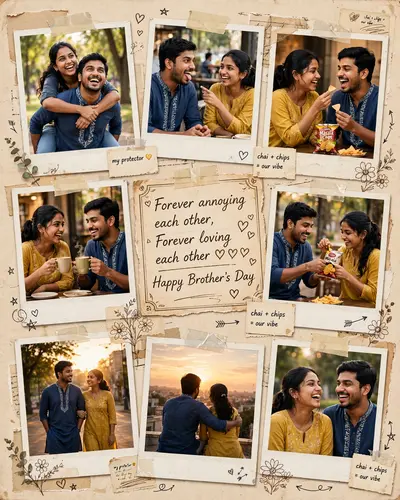
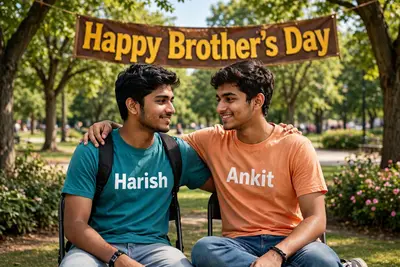
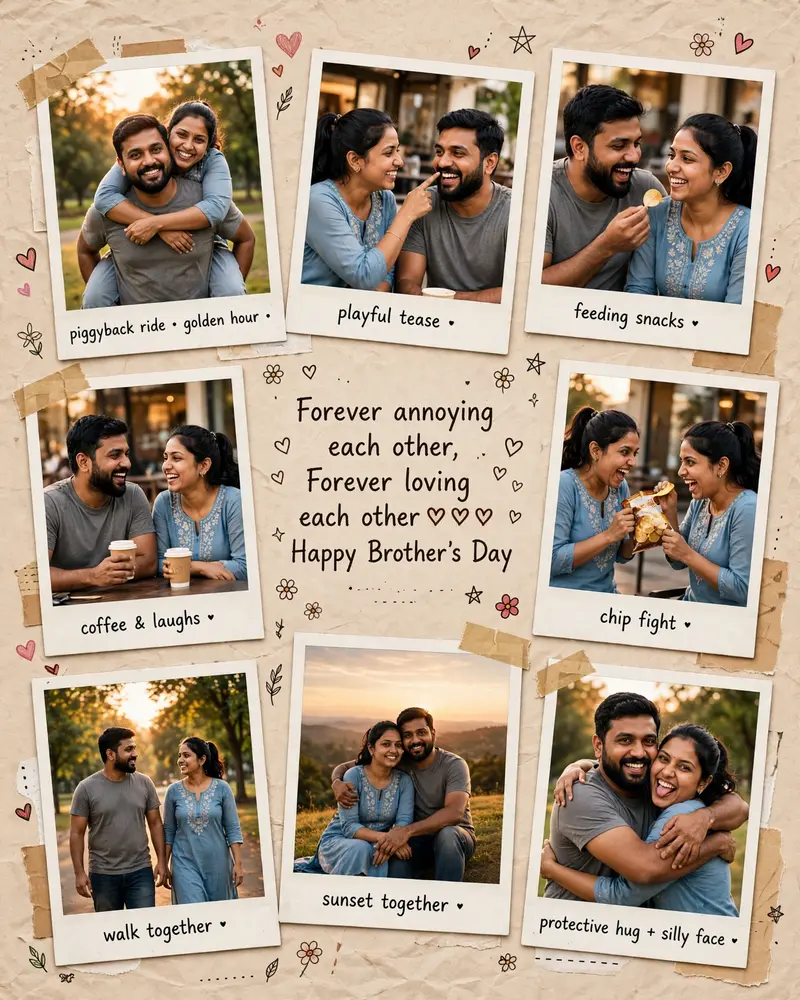
Ultra realistic cinematic Brother-Sister scrapbook collage using the TWO uploaded reference photos ONLY. Preserve the EXACT facial identity, skin tone, hairstyle, facial structure, smile, beard, eyes, and natural expressions from the uploaded images with maximum face accuracy and realism. Create multiple wholesome sibling moments: brother carrying sister on his back, playful teasing, feeding snacks, laughing with coffee, fighting over chips, walking together casually, sitting at sunset, protective brother hug, funny sibling teasing moment. STRICT RULES: Brother-sister bonding only No romantic/couple vibe No intimate forehead-touch pose No dating-style expressions Keep poses playful, funny, protective, emotional, family-oriented Do not change faces Do not stylize faces Keep faces realistic like reference photos STYLE: Ultra realistic DSLR photography, warm golden-hour lighting, soft depth of field, realistic Indian outfits, cozy nostalgic vibe, scrapbook collage aesthetic, polaroid frames, torn paper texture, tape, doodles, heart stickers, beige paper background, cinematic color grading. CENTER TEXT: "Forever annoying each other, Forever loving each other❤❤❤ Happy Brother's Day" QUALITY: Hyper realistic skin texture, natural expressions, realistic hands, accurate body proportions, highly detailed faces, emotional storytelling, premium Instagram poster look. Aspect Ratio: 4:5 vertical poster.
How to Use This Prompt with ChatGPT & Gemini
Click the Copy button above, then open ChatGPT (with image generation) or Gemini. Paste the prompt, hit generate, and wait a few seconds. You can tweak any detail — colors, lighting, mood — to make it your own.
How to Keep Your Face Unchanged
Want your own face in this style? First generate the base image with the prompt above, then use a face-swap tool like InsightFace or the Remini app to place your face onto the result.
Want to explore more? Our prompt seen photo section has plenty to choose from.