
Blossom Beauty Cinematic Portrait Prompt
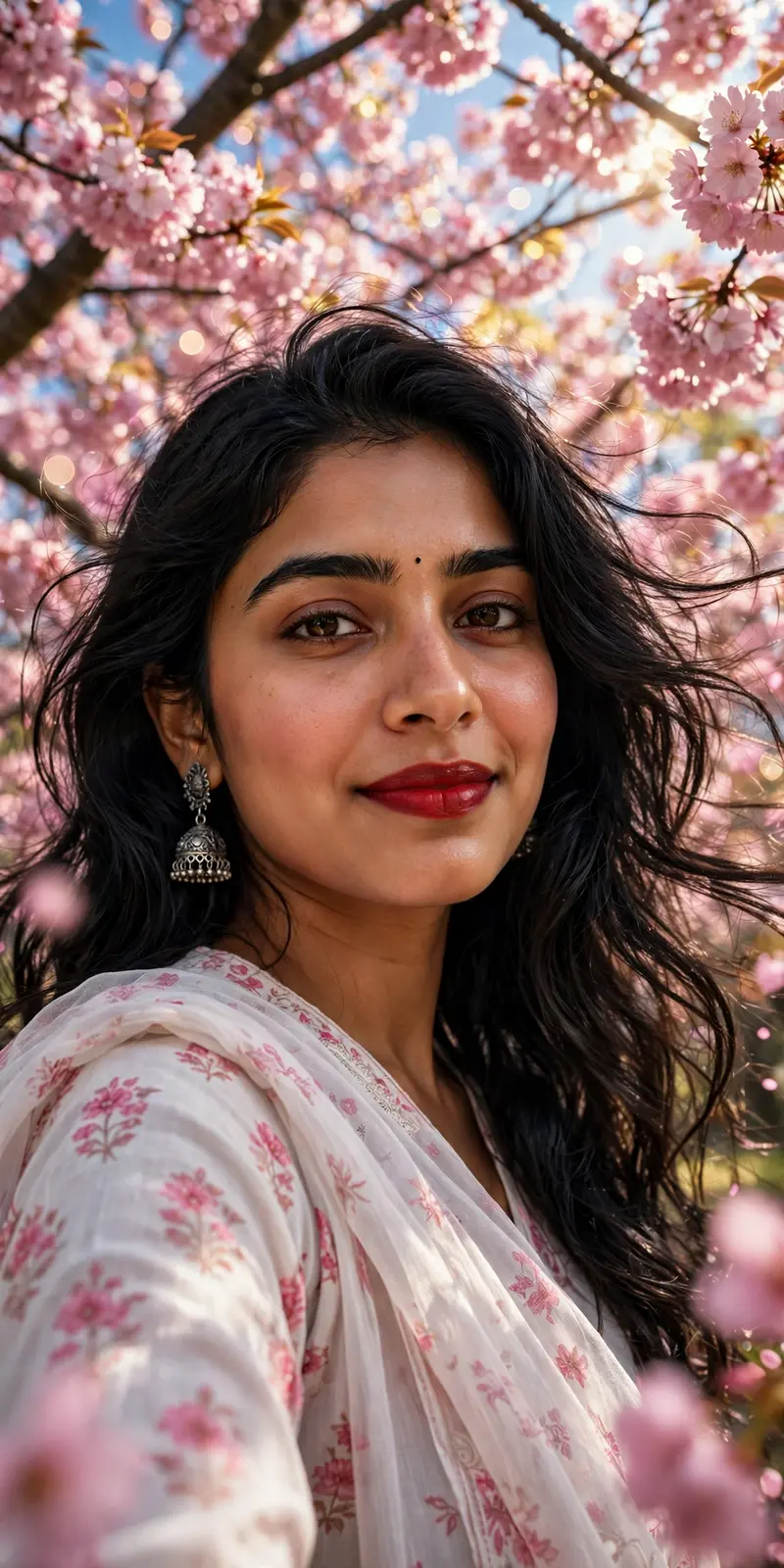
Best Blossom Beauty Cinematic Portrait Prompt AI Prompt
Copy the ready-made prompt below and paste it into ChatGPT, Gemini, or your favorite AI image generator to create a stunning photoreal portraits style image in seconds. No sign-up needed — just copy, paste, and generate.
⋈ AI PROMPT
Ultra-realistic low-angle close-up portrait of the same South Asian woman from the reference image, preserving her exact facial identity, facial structure, skin tone, and expression. She is looking directly into the camera with a soft, gentle smile and warm, expressive dark brown eyes. She has long, wavy black hair flowing naturally in a light breeze, a tiny black bindi on her forehead, natural glowing skin, subtle blush, and bold crimson-red lipstick. She is wearing elegant oxidized silver jhumka earrings and a graceful white cotton salwar kameez with delicate pink floral prints, paired with a matching semi-transparent floral dupatta draped naturally over her shoulder. She is standing beneath a canopy of blooming pink cherry blossom trees, with thousands of soft pink flowers surrounding her. Bright natural spring sunlight filters through the blossoms, creating dreamy highlights, soft shadows, and beautiful bokeh. Clear blue sky visible between the branches. Cinematic DSLR photography, ultra-detailed skin texture, 85mm lens, f/1.8, shallow depth of field, HDR, photorealistic, vibrant colors, masterpiece, ultra-realistic, 8K, highly detailed, natural lighting, premium fashion editorial quality.
How to Use This Prompt with ChatGPT & Gemini
Click the Copy button above, then open ChatGPT (with image generation) or Gemini. Paste the prompt, hit generate, and wait a few seconds. You can tweak any detail — colors, lighting, mood — to make it your own.
How to Keep Your Face Unchanged
Want your own face in this style? First generate the base image with the prompt above, then use a face-swap tool like InsightFace or the Remini app to place your face onto the result.



