Attitude Shayari
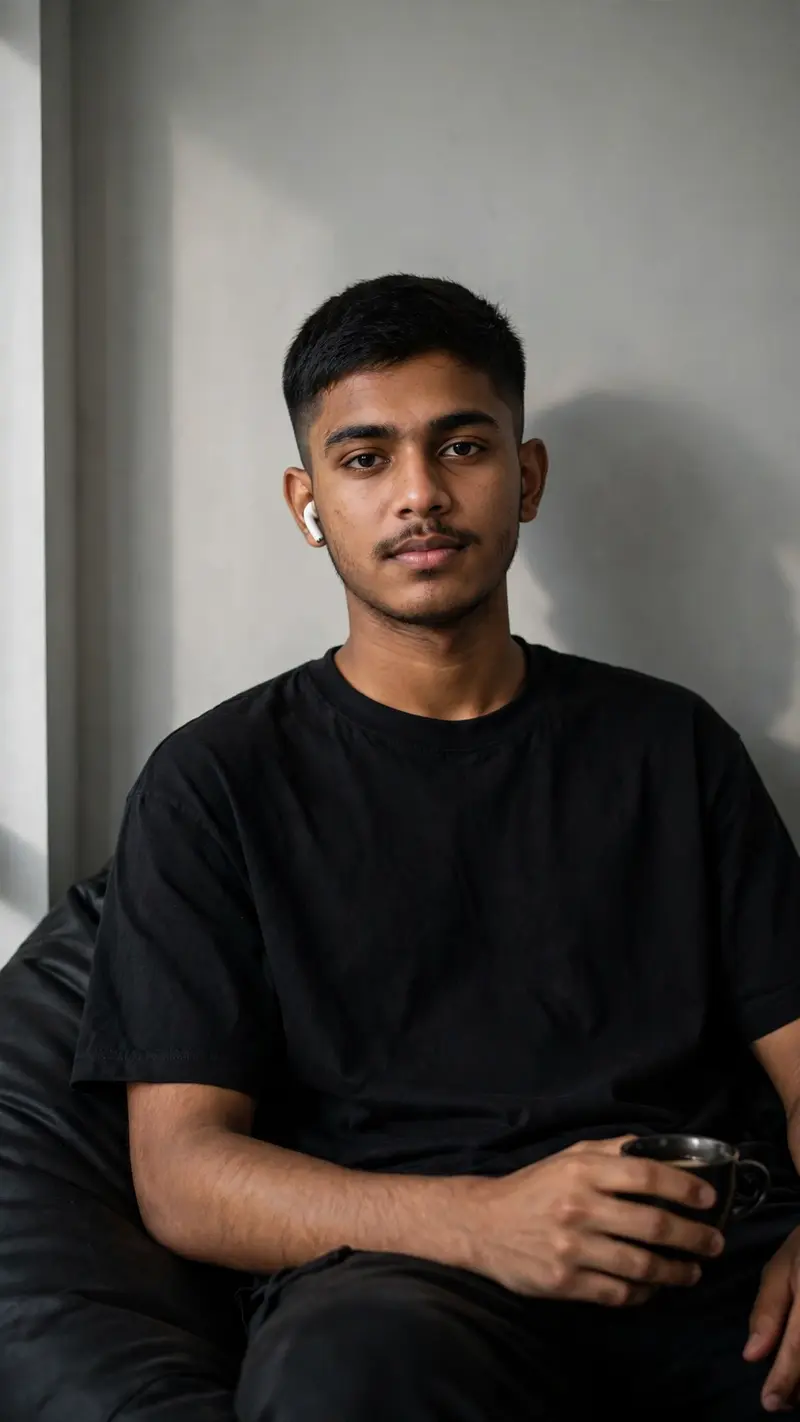
Best Attitude Shayari AI Prompt
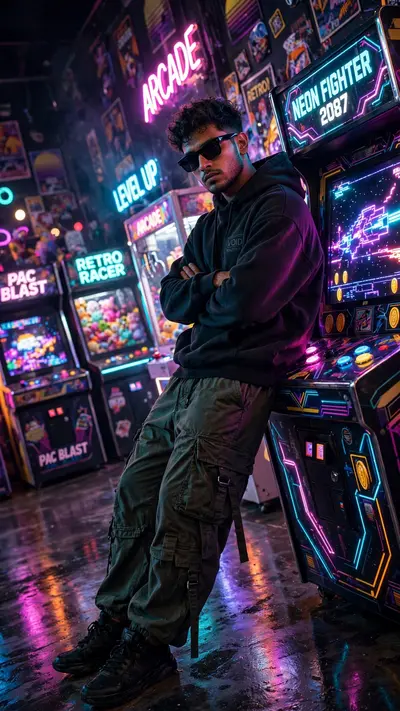
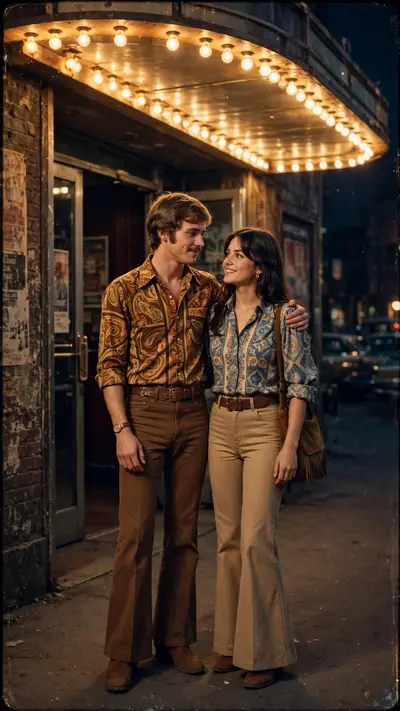
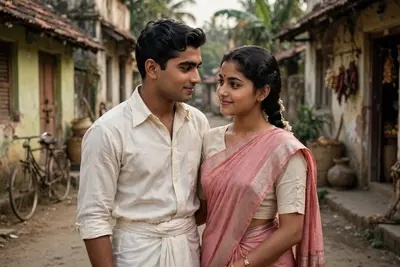
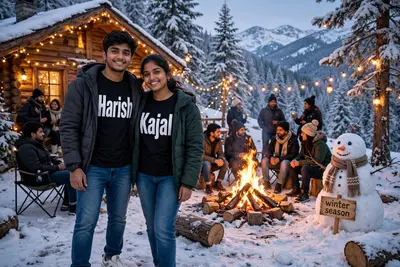
Copy the ready-made prompt below and paste it into ChatGPT, Gemini, or your favorite AI image generator to create a stunning photoreal portraits style image in seconds. No sign-up needed — just copy, paste, and generate.
✦ AI PROMPT
Use the uploaded reference image as the ONLY identity reference. STRICT IDENTITY PRESERVATION IS THE HIGHEST PRIORITY. Preserve the exact same face, facial structure, jawline, nose, lips, ski9n tone, eyebrows, light mustache, hairstyle, hairline, hair volume, fade haircut, expression, age, and overall appearance with 100% accuracy. Do not beautify, alter, or regenerate the face. Do not change the hairstyle, hair texture, or hair length. The output must look like the exact same person from the reference photo. Remove only the sunglasses while keeping the eyes natural and consistent with the same identity. A medium shot of the same young South Asian man from the reference image, appearing in his late teens or early twenties with a slim, fit build. He is wearing a plain oversized black T-shirt and a white wireless earbud in his left ear. He is sitting on a dark beanbag chair, positioned slightly to the right of the frame, facing the camera with a calm, neutral expression. His right hand is resting naturally on his lap while holding a small black coffee cup. The background is a plain light gray wall with dramatic soft lighting coming from the left, casting a realistic shadow of him onto the wall. Minimalist modern home interior, muted color palette of black, gray, and natural skin tones. Cinematic portrait, ultra-realistic DSLR photography, 85mm lens, shallow depth of field, soft skin texture, natural lighting, 8K, extremely high detail, realistic proportions, clean composition, 100% face match with the uploaded reference image. Aspect Ratio 9:16
How to Use This Prompt with ChatGPT & Gemini
Click the Copy button above, then open ChatGPT (with image generation) or Gemini. Paste the prompt, hit generate, and wait a few seconds. You can tweak any detail — colors, lighting, mood — to make it your own.
How to Keep Your Face Unchanged
Want your own face in this style? First generate the base image with the prompt above, then use a face-swap tool like InsightFace or the Remini app to place your face onto the result.